


Your First 30 Days with TraceAir: A Blueprint For Success
You've made the investment in TraceAir, and now it's time to unlock its full value from day one.





1 min read
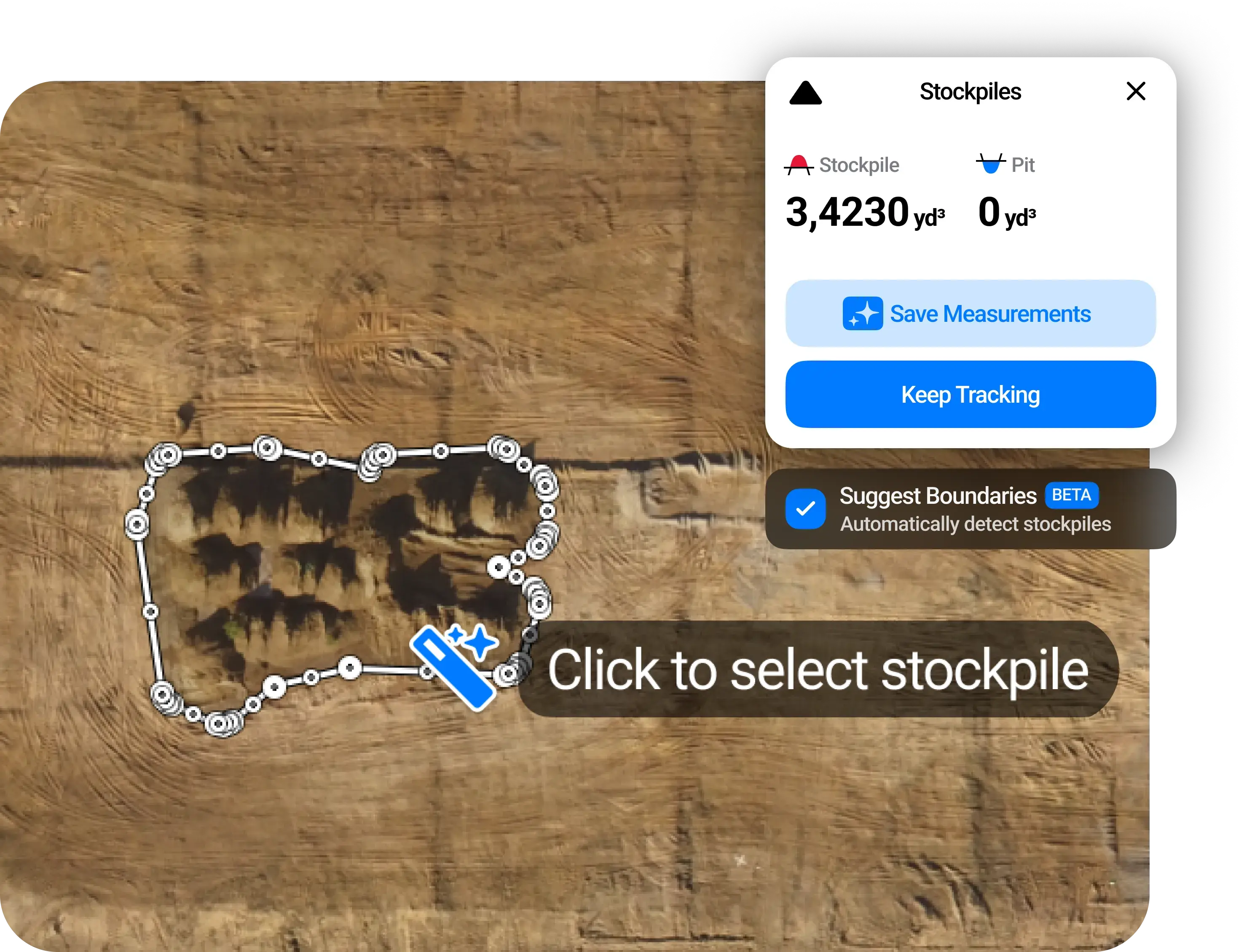
We're excited to announce that our latest feature, Automatic Stockpile Detection, is now live within TraceAir! This powerful new tool aims to simplify and expedite the process of tracing stockpiles, making it easier and faster for homebuilders and land developers to manage their projects. Use Automatic Stockpile Detection to easily measure and track the volume of a pile of dirt or other material, such as sand or bedrock. This feature is invaluable for monitoring progress and verifying billing, ensuring precision and efficiency at every stage.
To use this feature, simply open the "Stockpile" tool in TraceAir, and then in the top right corner of the screen, select "Suggest Boundaries".
.gif?width=860&height=565&name=ADS%20updated%20GIF%202%20(3).gif)
Next, click on a stockpile and watch the magic as the tool automatically traces your stockpiles!
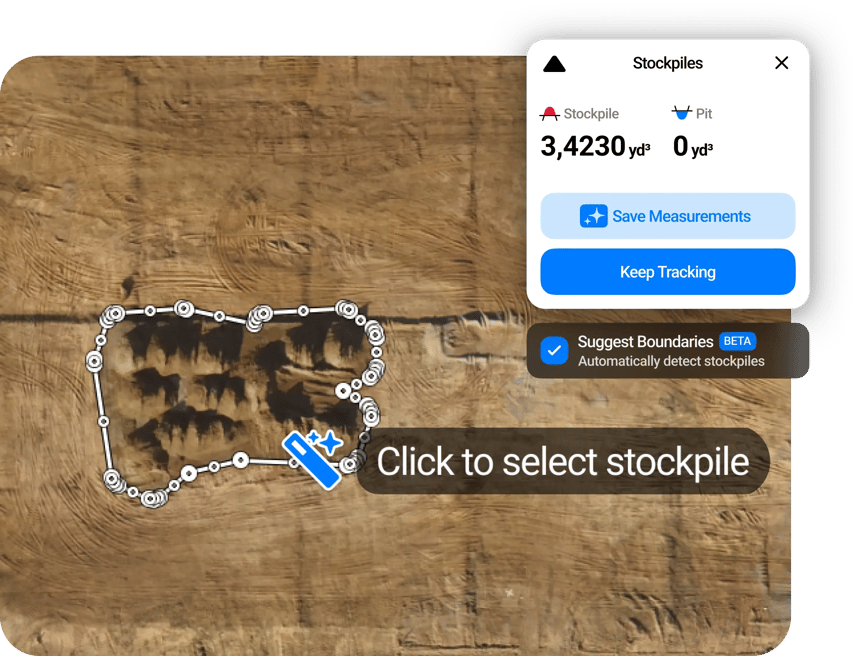
Select as many stockpiles as you'd like, and then select:
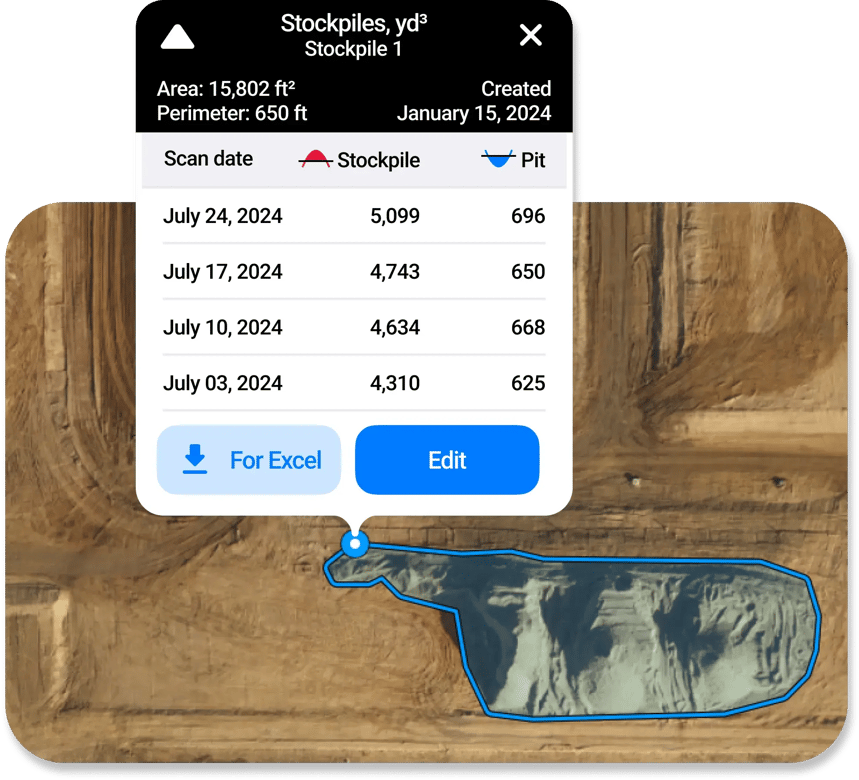
This automatic detection is designed to cover the vast majority of scenarios encountered in homebuilding and land development, meaning fewer clicks, less time, and better accuracy for your projects. By minimizing manual intervention, it streamlines your workflow, enhances productivity, and ensures consistent results. We encourage users to use this feature by default for optimal efficiency and accuracy.
While we expect this feature to handle most cases effectively, we understand that some unique scenarios might require manual adjustments. For these instances, the manual mode remains available, allowing users to edit boundaries or trace new stockpiles as needed.
Automatic Stockpile Detection is available now on all scans published after June 25, 2024. Give it a try today, and let us know what you think—we'd love to hear your feedback! Your insights help us improve our tools to better meet your needs.
For more information on how to use the new Automatic Stockpile Detection tool, visit our help center or contact your Customer Success Manager.

You've made the investment in TraceAir, and now it's time to unlock its full value from day one.
2 min read
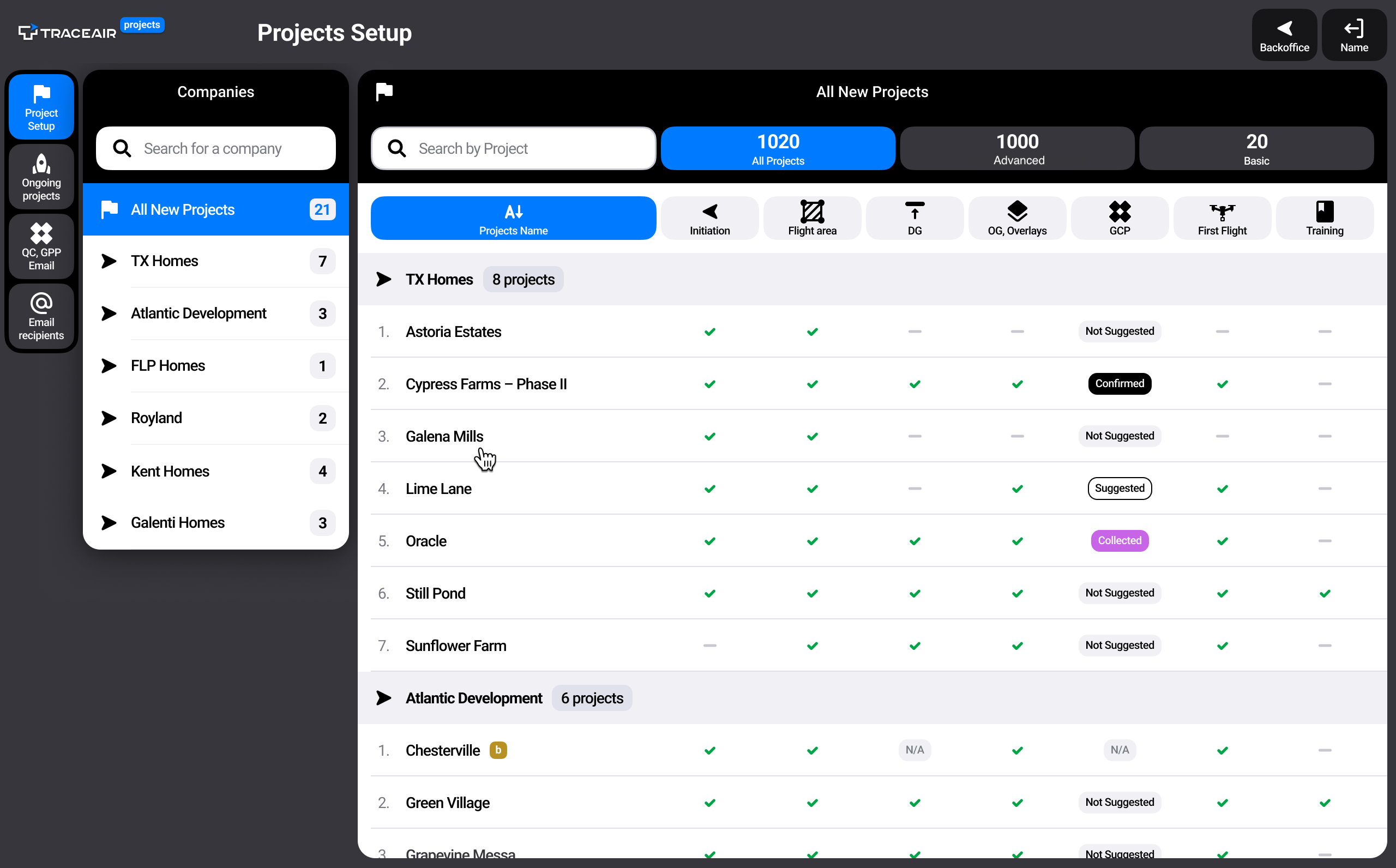
We are thrilled to announce the launch of our brand-new Projects Portal. Designed to simplify onboarding and project management within TraceAir,...

4 min read
The vertical stage of homebuilding can be a logistical headache, fraught with challenges that slow down progress, increase costs, and strain...