


2 min read
Introducing Schedule: The Future of Land Development Project Management
Land development projects are complex endeavors that require meticulous planning to be successful. Keeping track of various tasks, timelines,...





1 min read
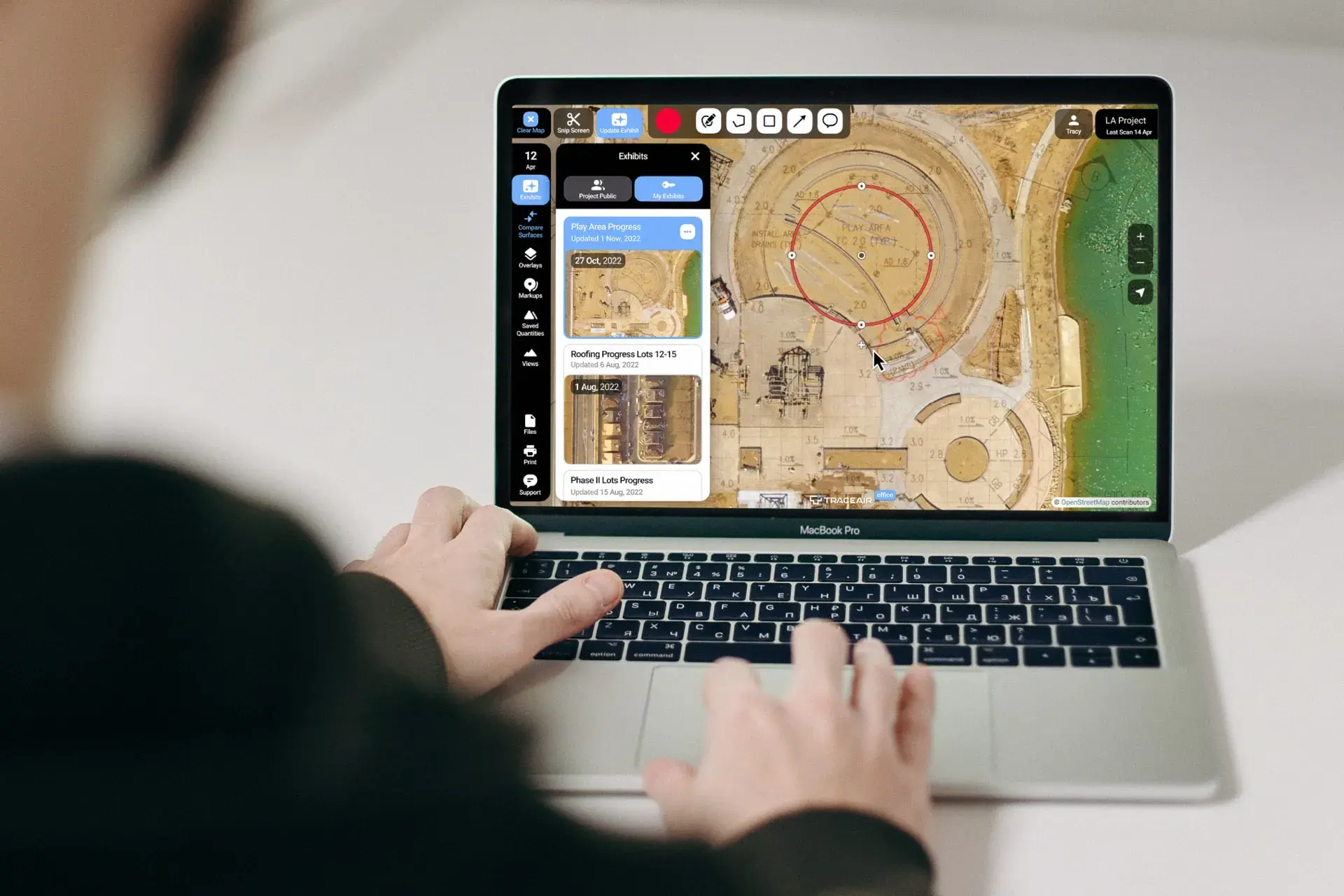
TraceAir is excited to introduce Exhibits, a new feature that makes tasks you already do in TraceAir even easier and more efficient. Exhibits unlock new smart workflows.
Each Exhibit is a unique collaborative space to bring together people, data, and tools within the TraceAir platform focused on a specific goal. It gives context and creates a single source of truth and alignment for the entire project team. Exhibits are shared custom views that evolve over the life of the project.
Record milestones with their due dates directly on scan and overlays in TraceAir. Supplement them with measurements for objective and precise goal-setting. Verify actual progress with real site data from new scans, and update or add milestones.
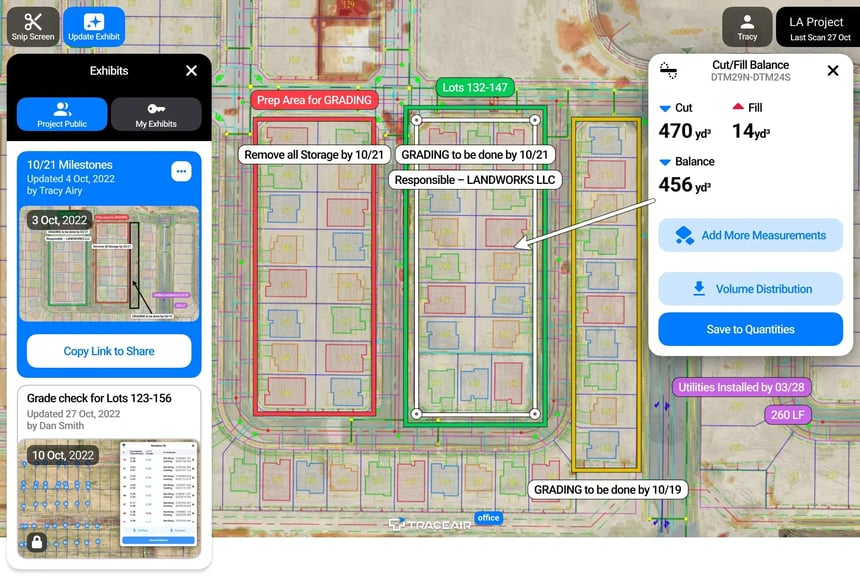
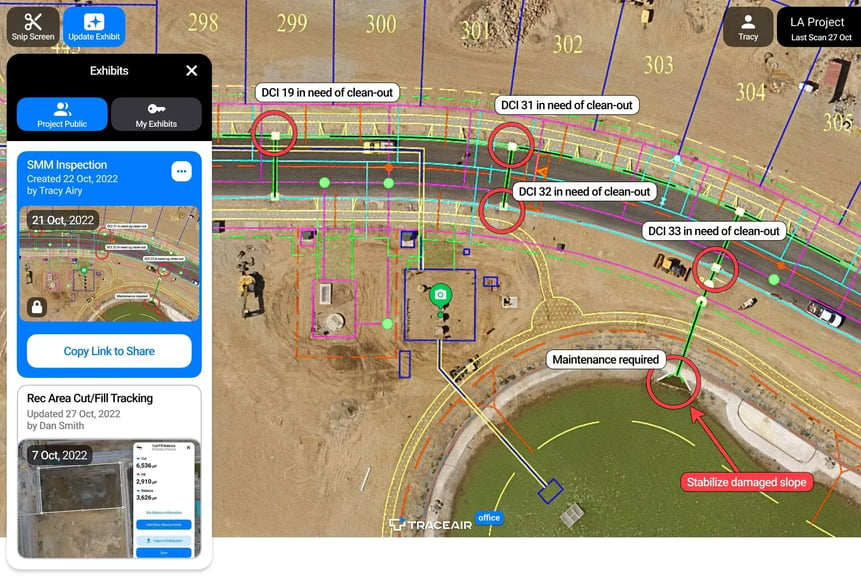
Exhibits are visible and editable by the entire team and can be shared via a link. Record punch list items or track inspection results, along with follow-ups. Keep them up-to-date and available to everyone, instead of sending screenshots or emails.
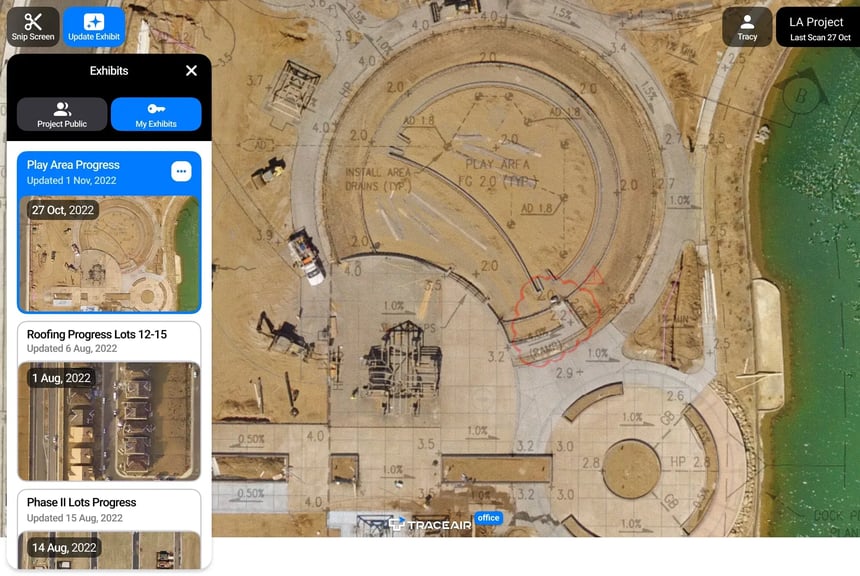
Save your favorite views as “Private Exhibits” and pull them up in TraceAir with a single click. Annotate as-built changes to drawings, write action items during a meeting directly on the scan, and create traffic maps, work sequences, etc as Exhibits. Use Exhibits to help with material take-offs or billing.
Exhibits are available now within the TraceAir platform. They serve as an objective source of truth, keep powerful tools at your fingertips, and support data-driven decisions. To learn how Exhibits work and what additional workflows they support, check out this demo or contact our team.
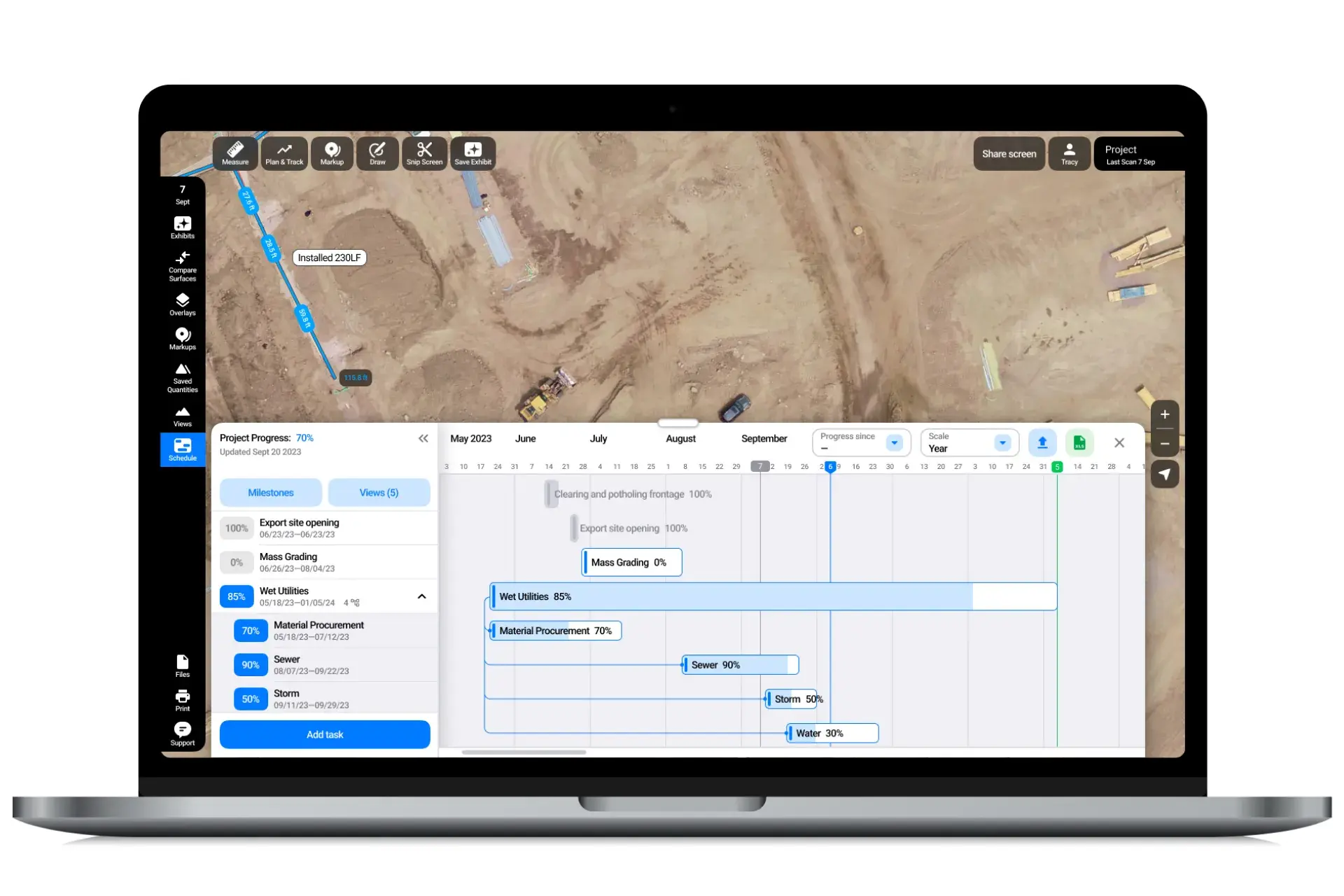
2 min read
Land development projects are complex endeavors that require meticulous planning to be successful. Keeping track of various tasks, timelines,...
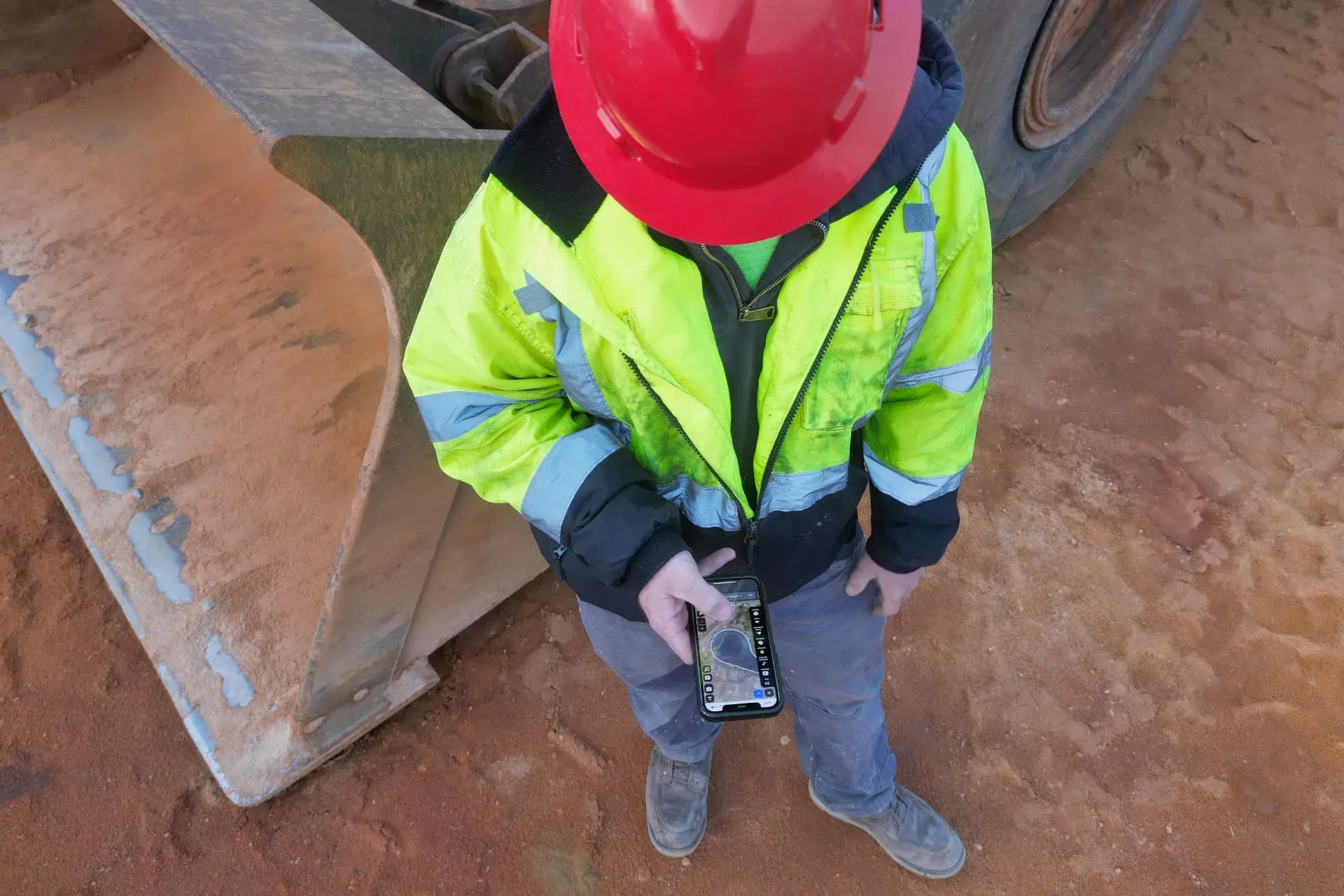
1 min read
At TraceAir, we take great pride in ensuring that our software is easy to use and accessible by the whole team. Whether you’re in the office or out...
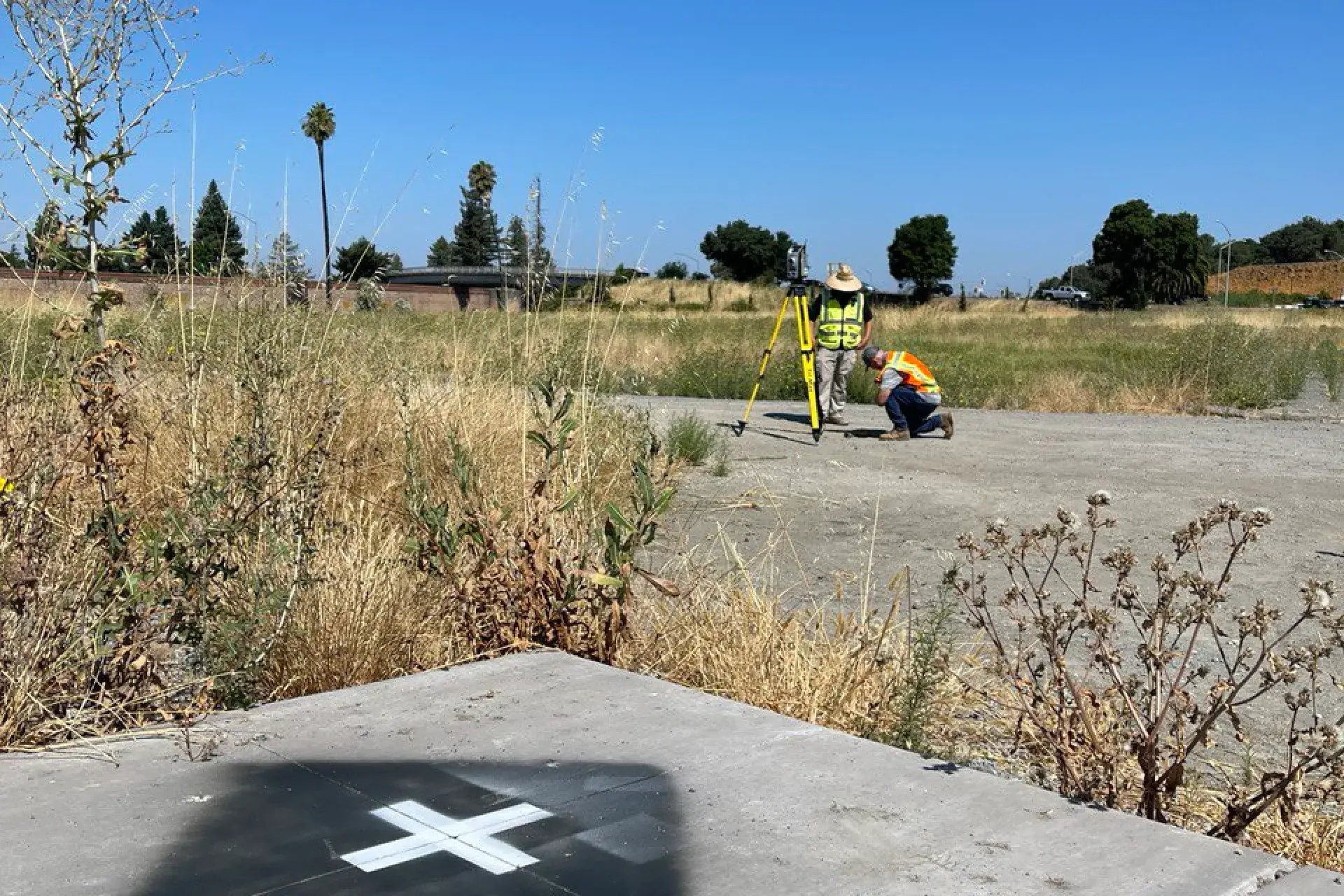
1 min read
TraceAir Surveying Inc., a subsidiary of TraceAir Technologies, Inc., is thrilled to now offer flight marker placement and maintenance in select...