


We all know how important clear communication and collaboration are to the success of projects. However, in the hustle and bustle of busy projects, actually achieving it is often easier said than done. Video conferencing platforms attempt to bridge the gap, but frequently fall short.
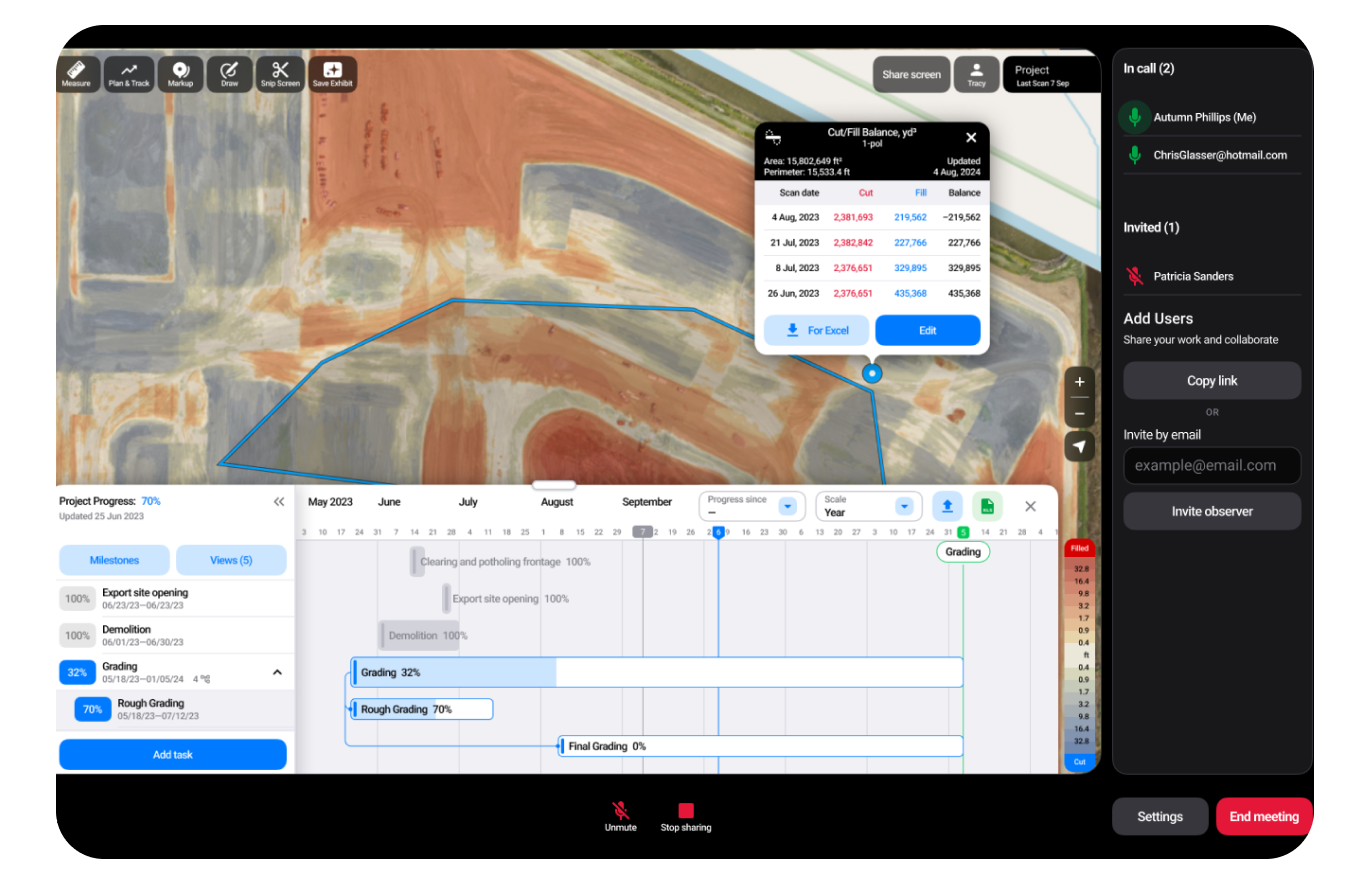
Introducing our next game-changing feature, “Share Screen”, designed to revolutionize collaboration directly within TraceAir.
Effortless Collaboration
Imagine you’re troubleshooting a project issue on the phone with a contractor. Rather than sending screenshots or trying to explain with words, you can simply hop into TraceAir and collaborate using the images and tools within, eliminating miscommunications.
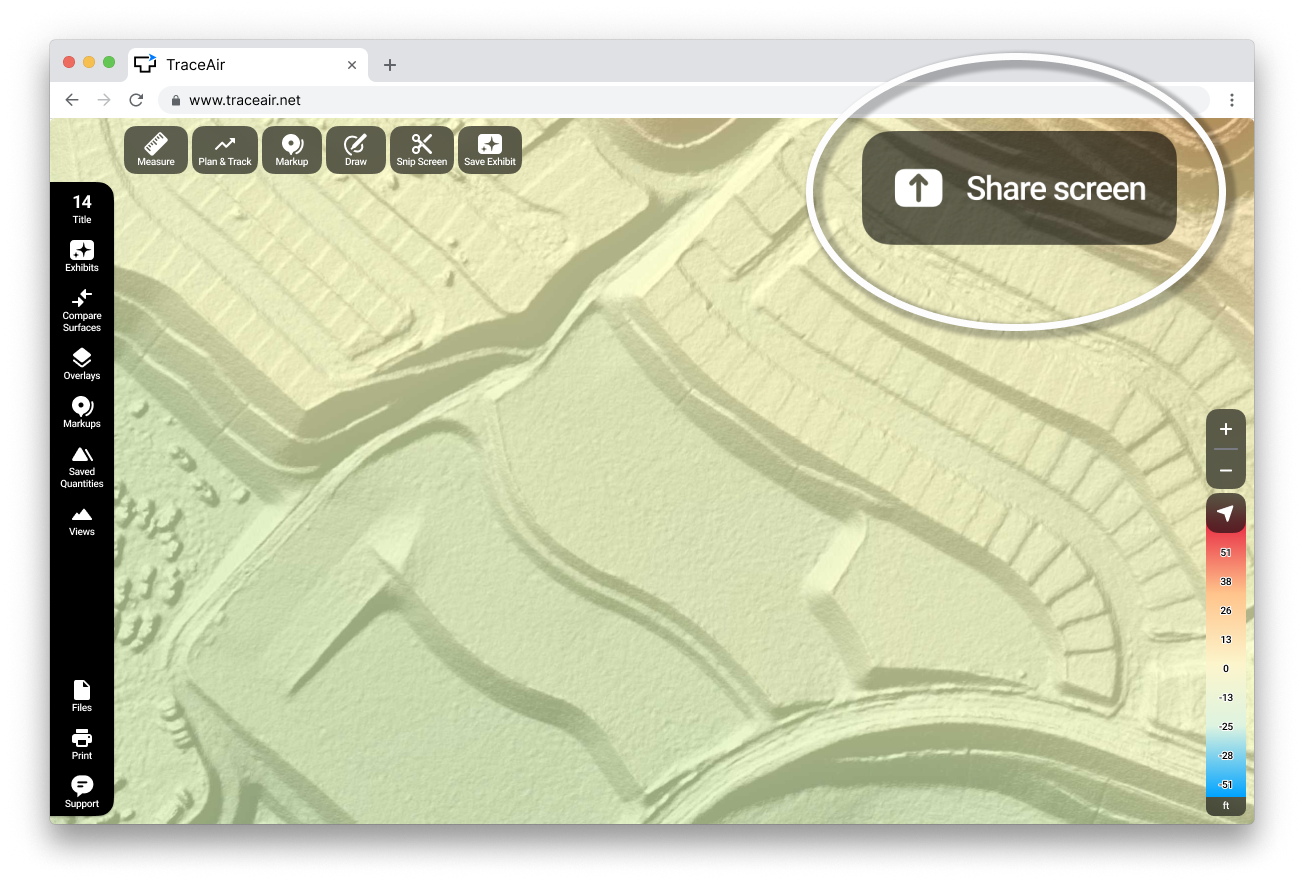
Adding more people to the conversation is easy. Forget the hassle of organizing a meeting on a video conferencing platform. Simply enter the emails of who you’d like to join, and we’ll send them a direct link to join, or you can copy the link and email or text it yourself. No apps, no registrations, no downloads – just a seamless click in the top right corner of TraceAir Office launches instant online meetings.
‘Share Screen’ also empowers you to share best practices and workflows with your colleagues. This ensures that everyone in your organization can benefit from the full potential of TraceAir, fostering a culture of knowledge-sharing and efficiency.
Real-Time Decision-Making
How many times have your projects fallen behind schedule because you were waiting for a decision to be made? Our new screen sharing capability not only makes it easier to collaborate, but also faster and smarter. Regardless of their location, project members can use the powerful tools with TraceAir in real-time to measure progress, create action items, resolve disputes, and make decisions. When everyone is looking at the same information together, combined with historical data, aerial images, heat maps, and more, better, smarter decisions are made.
Extreme Clarification with Visuals
Say goodbye to confusing email threads, back-and-forth text messages, screenshot markups, and unproductive phone calls or meetings. TraceAir's interactive visuals redefine communication, making complex ideas simple, discussions insightful, and collaboration seamless and effective. Using ‘Share Screen’ everyone can easily visualize what’s being discussed, collaborate, and walk away with a clear understanding.
Combine with TraceAir Workflows
‘Share Screen’ is available now to all TraceAir users and seamlessly integrates with TraceAir workflows and tools, ensuring a cohesive and productive collaboration environment. Save everything created during meetings in interactive Exhibits within TraceAir. This creates a seamless workflow continuation when your next scan is added. Effortlessly expand your team by adding new members directly after the meeting.
Give it a try!
If you're already using TraceAir, ‘Share Screen’ is active now on all your projects. Google Chrome is the default browser for TraceAir, and we recommend using it for all features, including ‘Share Screen’. Give it a try today, and let us know how you like it!
If you're not yet using TraceAir, request a demo to learn more. Have other feature requests? We'd love to hear them. Please share with us.