


Do More with Your Drone
Did you buy a drone for your business to take cool photos of your projects? You can definitely get some really cool photos and videos with your...





4 min read
The variety of features available on the TraceAir platform truly empowers construction project teams to make timely and well-informed decisions and streamline daily workflows.
Let's take a closer look at how it works.
Several years ago, at the beginning of our journey, we were first in the drone industry who aimed to build the most topographically accurate construction site models, which were crucial for the related analytical tools to work properly. At that same time, many grading contractors and civil and geotechnical firms were struggling to develop flyover services in-house to embrace the advantages provided by innovative drone technology. Some of them succeeded, for example with the help of Pix4D processing solutions, among others.
Today, TraceAir has a history of consistent excellence in providing the fastest and most accurate flyovers (turnaround time is overnight). But our biggest strength is taking those extremely precise construction site models and providing powerful analytical tools that are easy to use, even for the least tech-savvy people. The TraceAir platform is able to access models from third-party providers as well as using its own internal turn-key solution for processed flyovers.
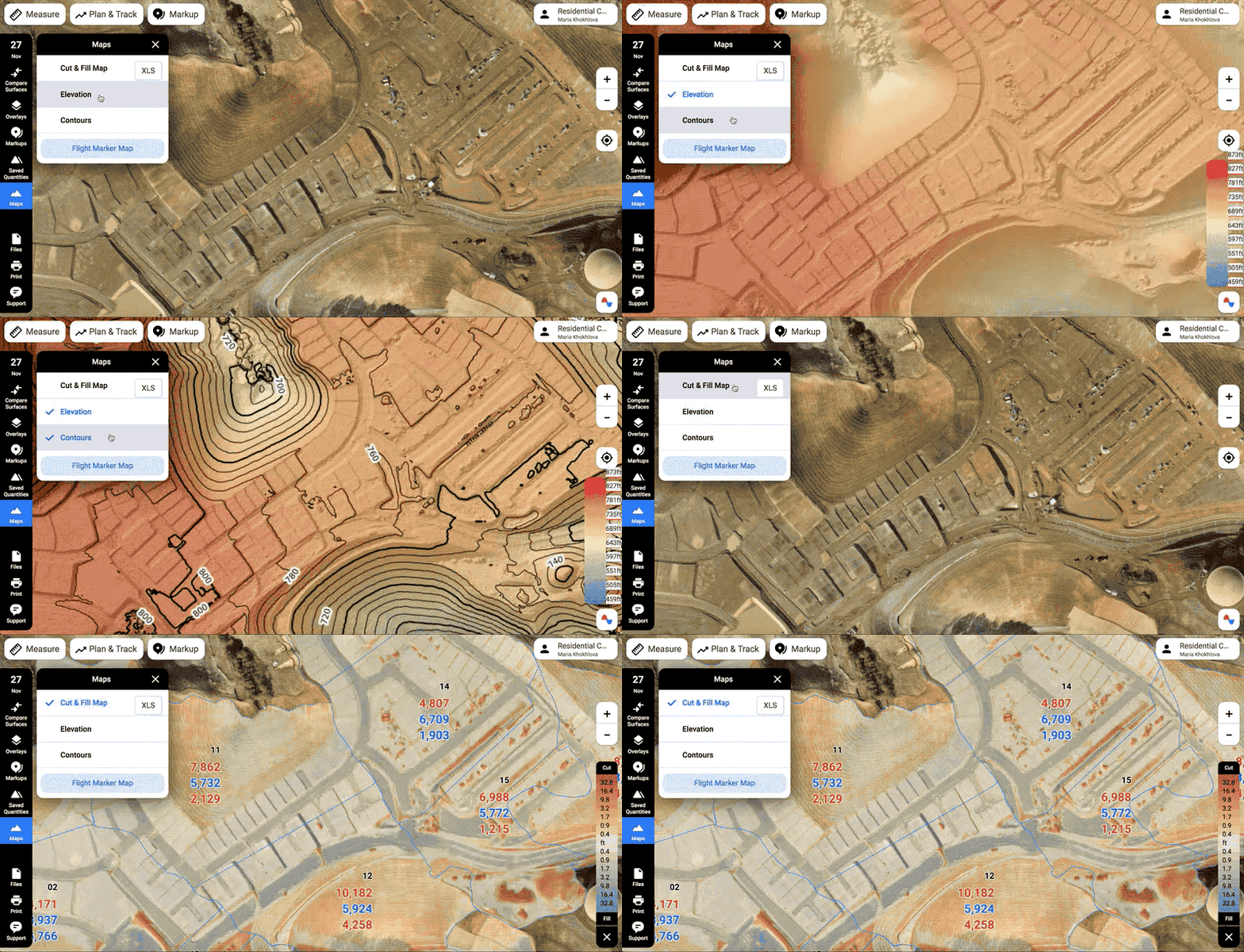
On the TraceAir platform, drone data is visualized in several modes:
With the TraceAir platform, you can instantly measure elevations, lengths, areas, and quantities. Complex calculations previously performed only by engineers in the back office can now be done in seconds right on the construction site.
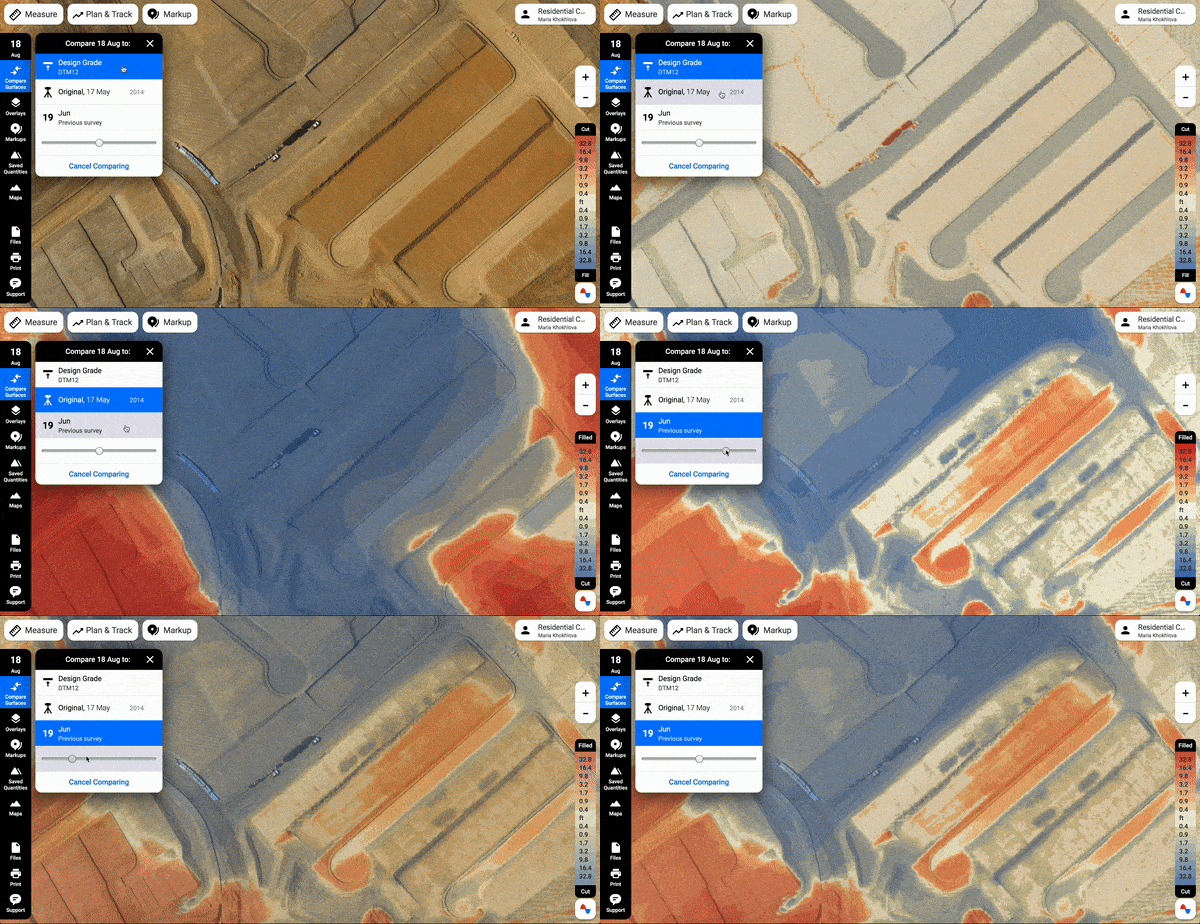
1. Compare surfaces. Compare your recent flyover:
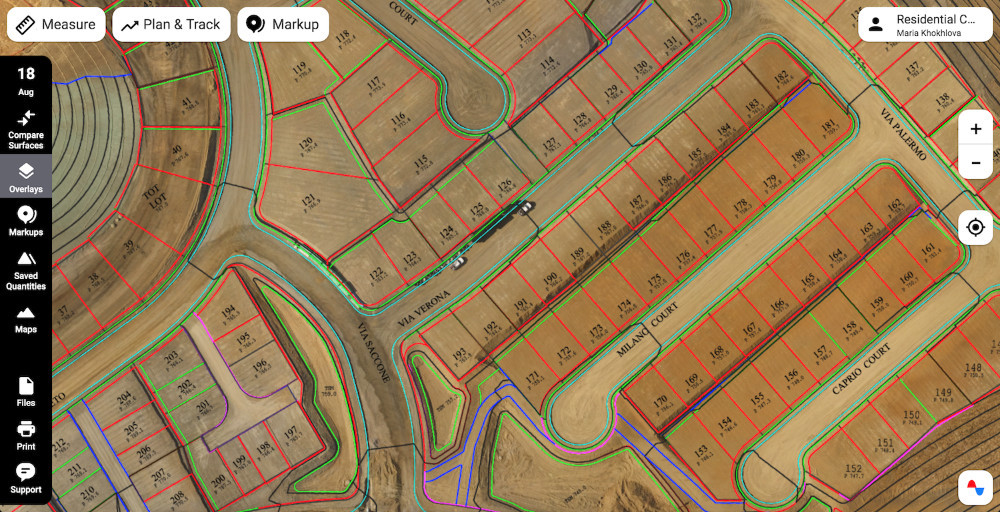
2. Overlays. Compare a recent drone flyover against the project documentation.
Users can easily upload civil sets or any other project plans to compare them against the existing job site conditions.
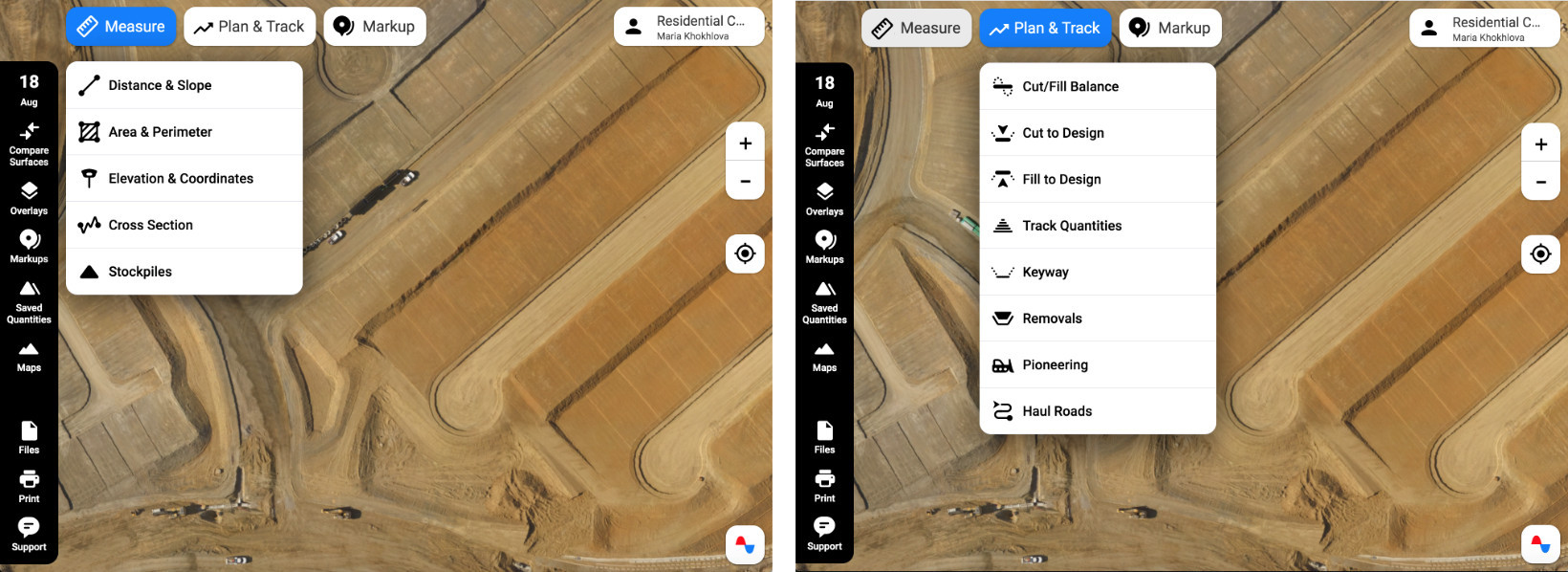
Distance and Slope, including Overground. Measure distances and slopes right in the field or in the trailer using your phone or laptop.
Area and Perimeter. Measure the square footage of custom areas on the fly. Quantify the site balance impact if the selected area is raised or lowered by a defined number of feet relative to the existing ground.
Elevation and Coordinates. Measure the elevation of any point on the job site for the current scan. Compare the elevation to the design grade to find out how much cut or fill is left.
Cross Section. Compare elevations of the terrain in the cross-section view. Add several job site snapshots or the remedial grade surface on the graph to see a progression of changes.
Stockpiles. Quantify stockpiles with several clicks.
Cut/Fill Balance. Use the Cut/Fill Balance tool to balance your site, track remaining quantities, and plan operations. With this tool, you can activate the overlays needed to use the linework as a guide, select an area of interest, and save the area to keep track of the cut/fill quantities for future scans.
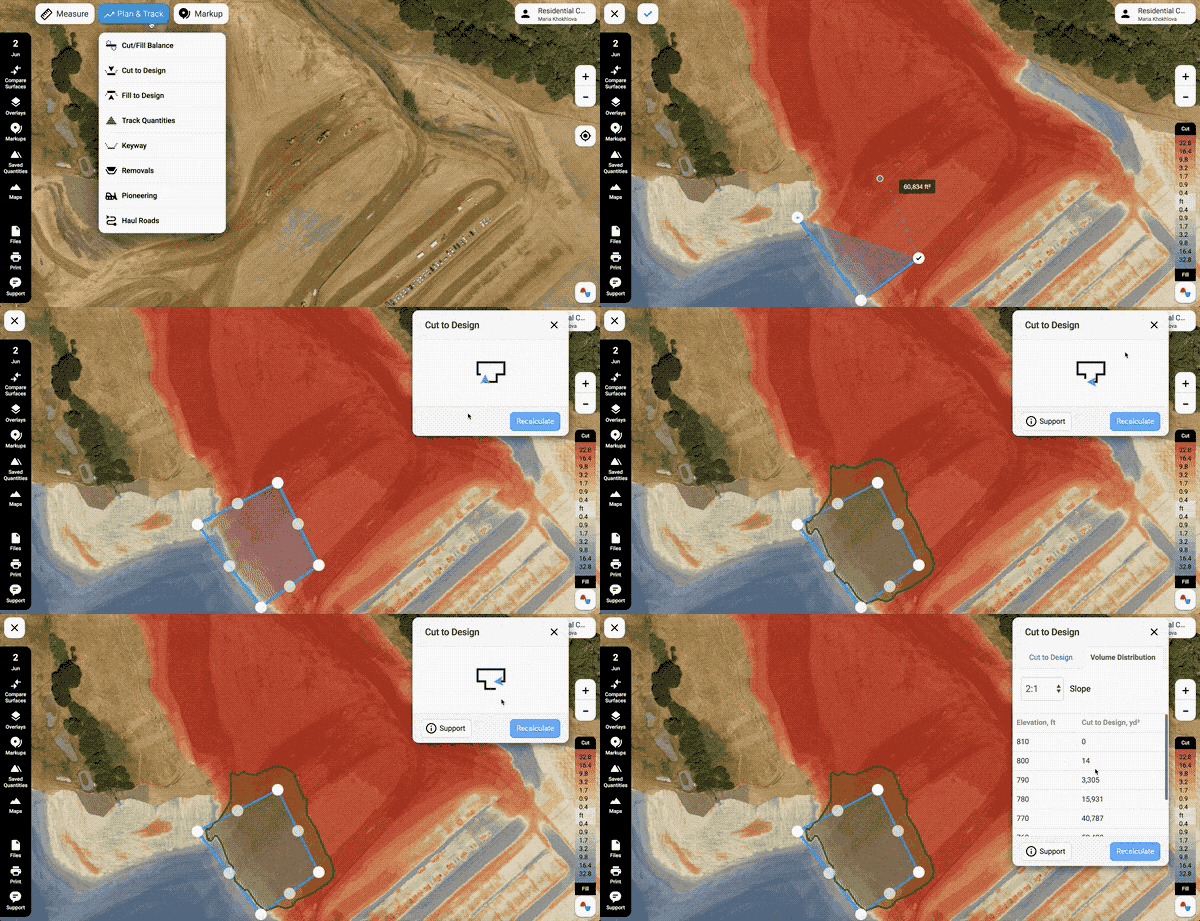
8. Track Quantities. Track the total volumes moved between two selected scan dates.
9. Keyways. Use this tool to quantify and plan grading operations for keyways, trenches, etc.
10. Removals. Use this tool to quantify and plan remedial grading with a fixed-bottom elevation or fixed depth of the remedial over-excavation.
11. Export into a rover to stake what you planned. You can easily export anything you've planned into a rover and stake it on the ground.
12. Haul Roads and Pioneering Tools. These tools allow you to significantly empower the foreman's decision-making process on construction sites: estimating production rates for new and existing haul roads, creating the most effective new hauls, pioneering new sections, and creating shortcuts on existing haul roads.
13. Markups and Annotations. Finally, you can mark up the site map or draw over a recent snapshot of the site to explain an issue or request information. Markups and Annotations help you track progress easily, locate issues and share them easily with the whole team.
The TraceAir platform provides multiple custom services based on leveraging the unique data we collect, machine learning, and recent proprietary technological innovations developed by TraceAir. Those include:
We'll talk more about using AI and ML in our platform in the coming posts.
The platform is extremely intuitive and easy to use for everyone on the project, including the less tech-savvy people. In all, the TraceAir platform enables better site monitoring, progress tracking, and precise volumetric calculations previously available only to engineers using expensive professional software.
Did you buy a drone for your business to take cool photos of your projects? You can definitely get some really cool photos and videos with your...
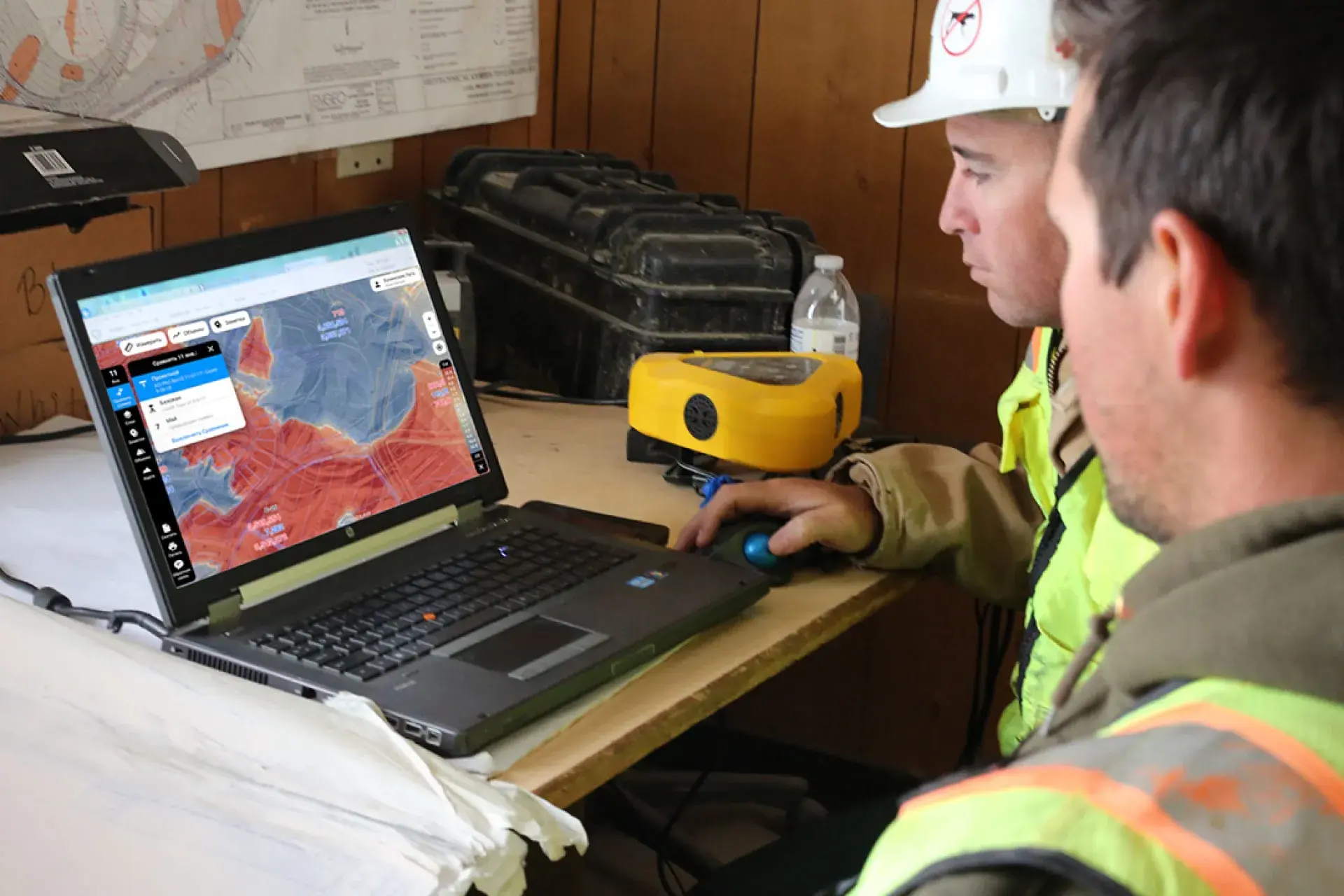
What do power tools, heavy equipment, cell phones, and computers have in common? If you guessed tools that a home builder uses every day you’d be...
3 min read
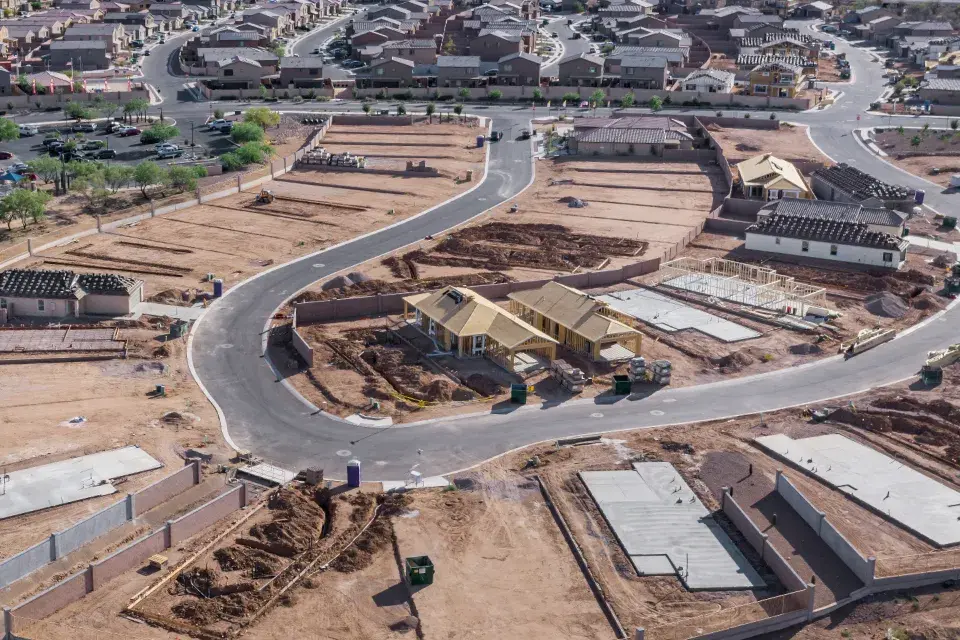
The land development phase of construction presents countless unique challenges, with one of the most critical being a lack of a way to quickly and...