Don't Rely on Old Methods
Did you know that TraceAir can help you verify billing quantities from your contractor and track progress of work completed? If you're using timecards, truck counts, and other methods to calculate progress, learn how TraceAir can add an objective perspective.
TraceAir has several tools that make verifying contractor bills quick and easy. Read below for how to use TraceAir's measurement and volumetric tools to improve your workflows.
Check Visual Progress
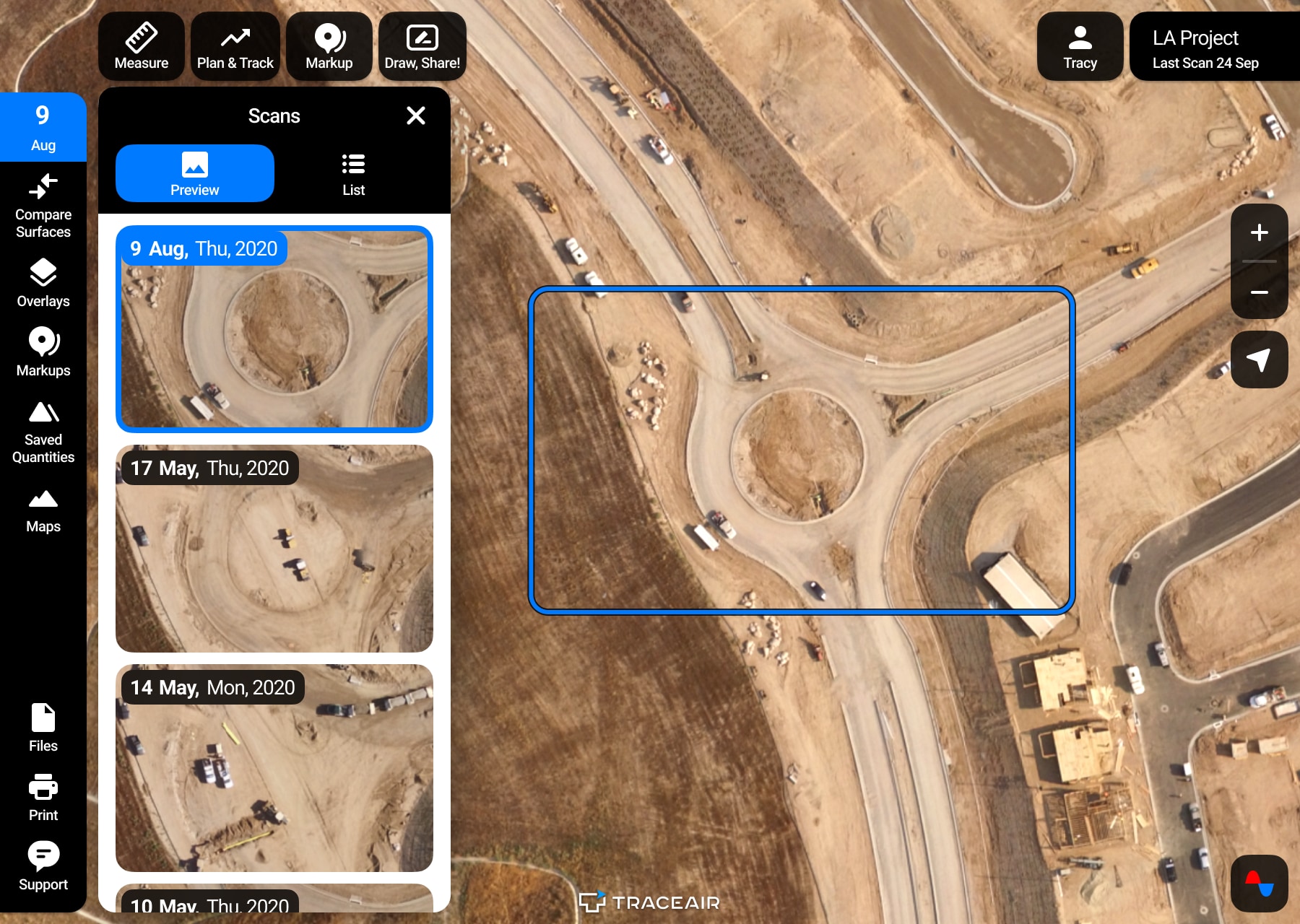
TraceAir's Time Machine feature makes it easy to visually compare changes between different scans in a given area if you have regular scans. For example, some changes you can check for include:
- When a stockpile began, grew, shrank, or disappeared
- Equipment and trailer movement and locations
- Equipment arrival
- Grading progress
- Errors or damage
- Area cleanup
- Rainwater removal
Measure Volumetric Grading Progress
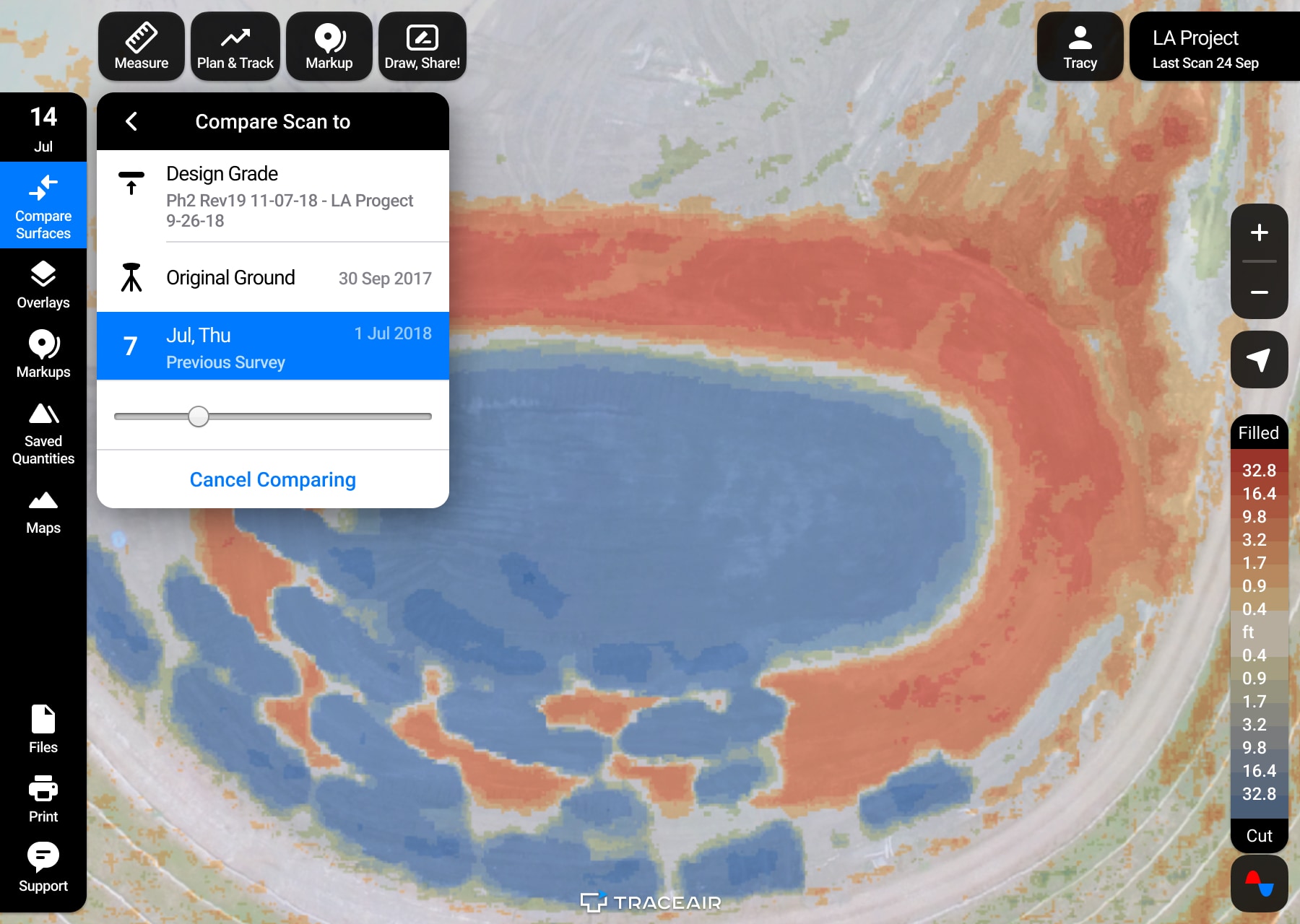
To quickly check grading progress and visualize how dirt moved on site, TraceAir's Compare Surfaces tool allows you to look back to see Cut and Fill that has occurred, either since the last scan or since the beginning of the project, and allows you to look forward to see what Cut and Fill remains to meet design grade.
In order to measure volumetric changes on site, TraceAir's Track Quantities tools can be used to calculate quantities of dirt moved between scans. This is a quick and easy way to verify billing from grading contractors to ensure appropriate payment for the work performed.
Measure Utility and Paving Progress
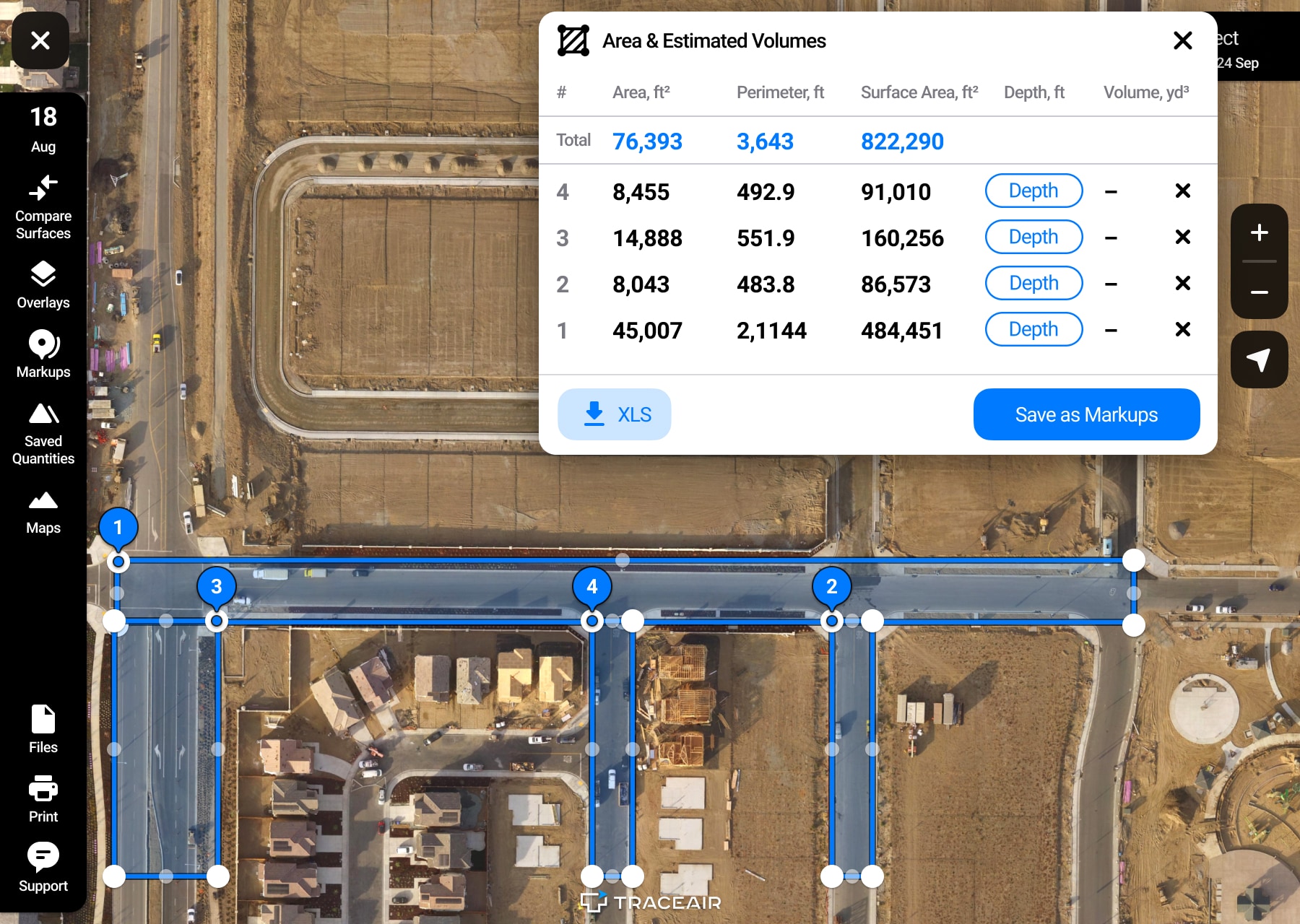
TraceAir's measurement tools are useful for verifying contractor billing by doing a quick as-built takeoff. These quantities can be used to verify the amount of work performed (linear feet of utilities installed or surface area of roads paved) on your project.