


2 min read
Introducing Layout Generator: Smart Lot Yield Estimates at Your Fingertips
When land acquisition moves fast, the ability to price a parcel accurately—before anyone else—is everything. We’re excited to introduce Layout...





3 min read
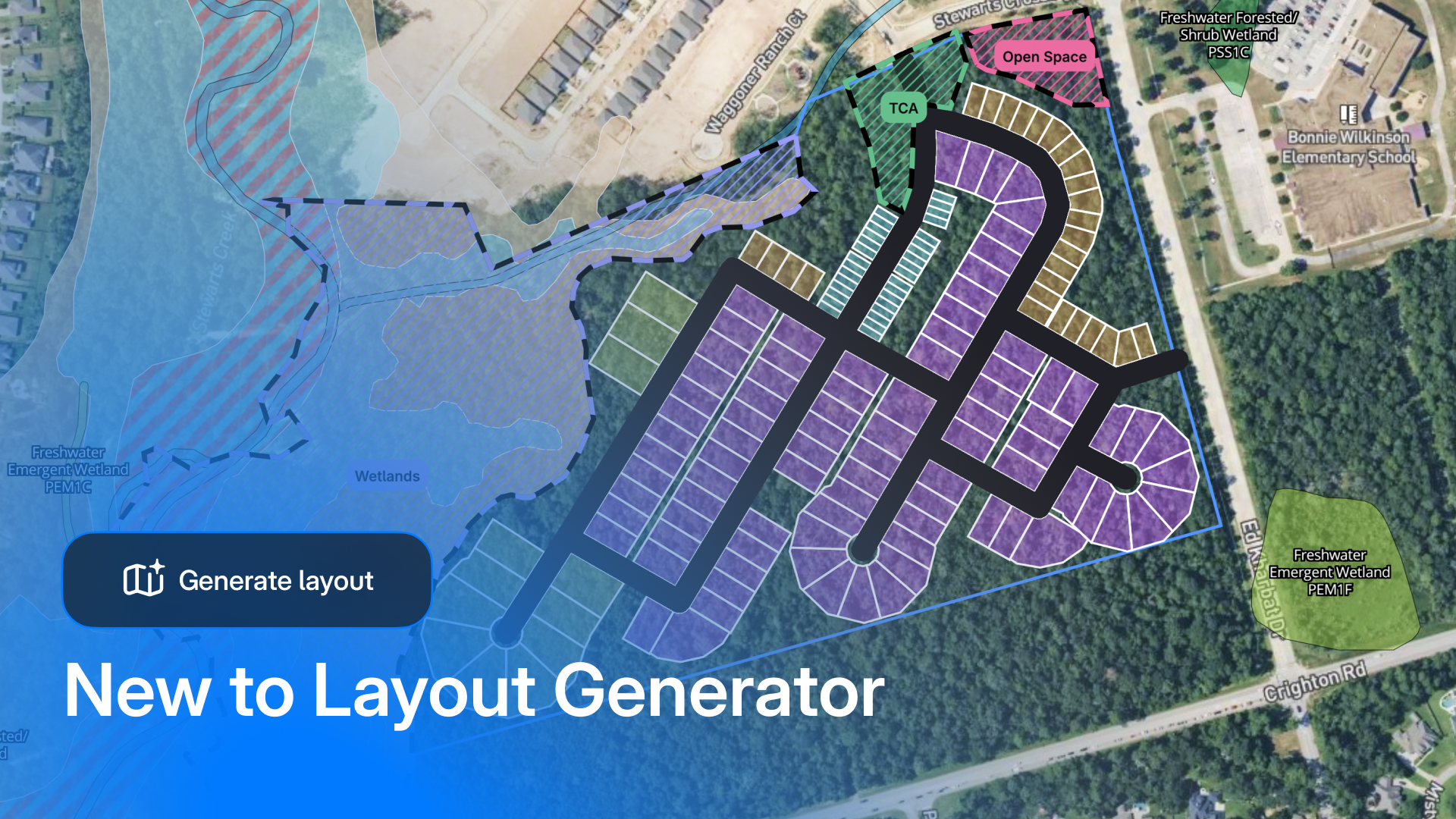
When we first launched Layout Generator, the industry response was loud and clear: land teams needed a tool that was easy to use, fast, and accessible earlier—before you are weeks into diligence or committing budget to a site that may never pencil out.
Layout Generator addresses one of residential development's costliest challenges: determining land viability before engineering begins.
Early feasibility remains one of the most critical—and least supported—phases of the development process. That's precisely why we built Layout Generator with a long-term vision from day one. Working closely with land acquisition managers and land search teams, we've learned exactly what's needed to bridge this gap: tools that deliver confidence earlier, insights that hold up under scrutiny, and workflows that don't slow teams down.
Today, we’re excited to roll out major updates that make feasibility more complete, more defensible, and easier to run end-to-end.
This is the update we’re most excited about—because it changes how teams start.
Layout Generator now includes land search + parcel intelligence built into the workflow, so you can go from “let’s find parcels that match our criteria” to “let’s test a concept” without bouncing between tools.
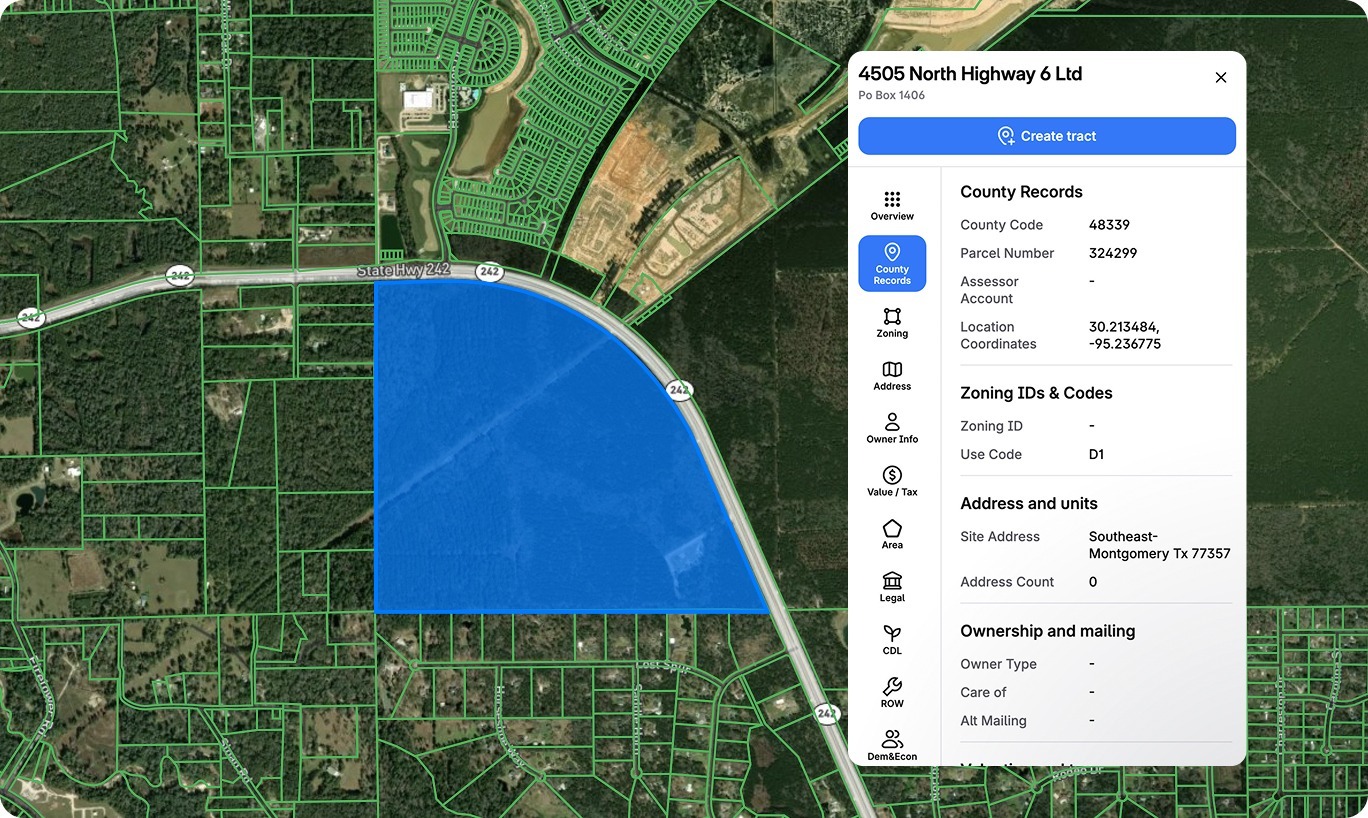
This is the workflow land acquisition teams have been asking for: research, evaluate, and iterate without ever leaving the platform. You can even save complex searches as reusable templates, so when you're expanding into new markets, you're not rebuilding from scratch—just one click and apply.
Layout Generator has always been about making early concepts fast and usable without CAD, surveys, or engineering expertise. This release builds on that foundation with upgrades that help teams test scenarios more like the real world.
You can now configure up to 5 different lot types, each color-coded in the layout, giving you instant visual clarity on your product mix. Included in the expanded lot types is the ability to add townhome lots with adjustable zoning input controls that allow users to adjust setbacks, unit counts, and lot widths.
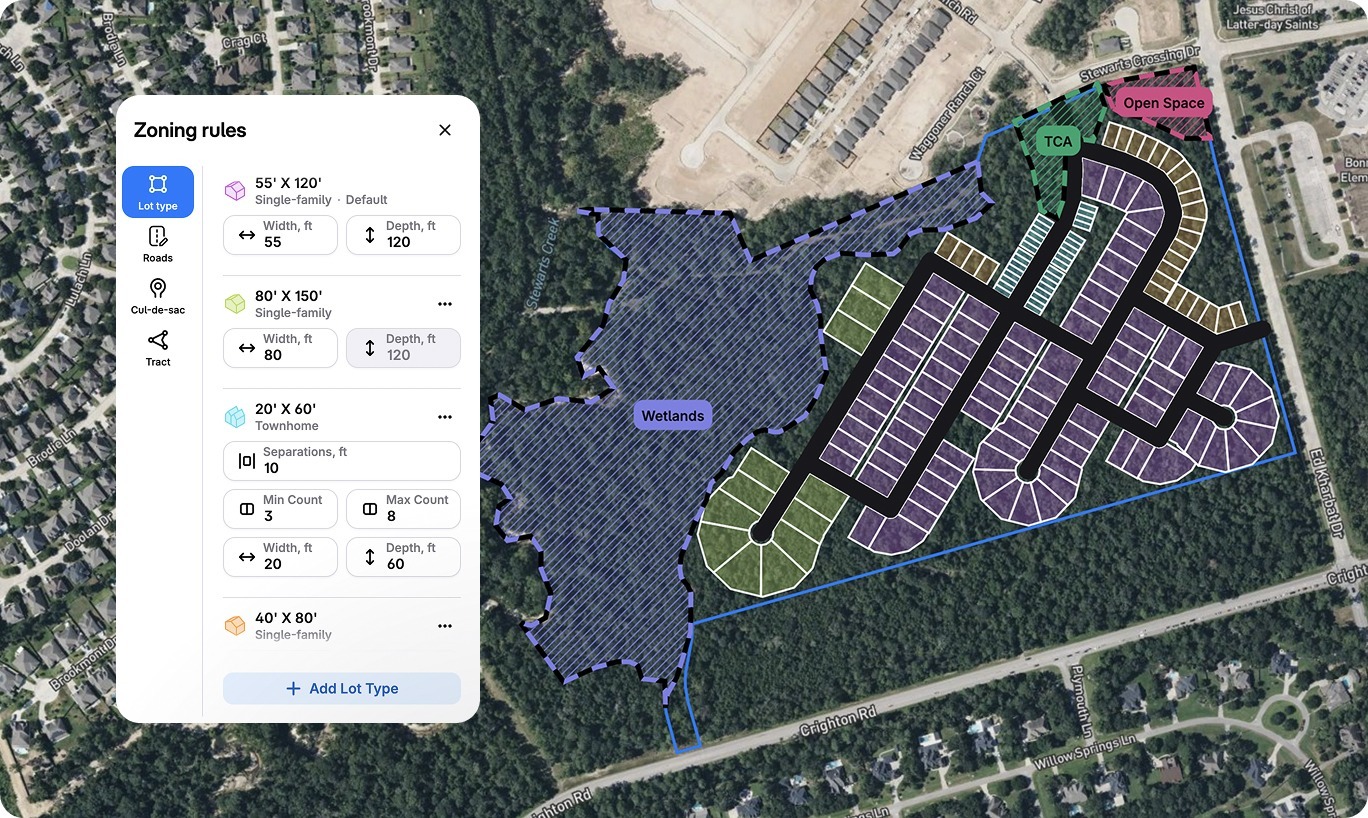
We've also introduced alley support so you can toggle between primary roads and alleys with a single click. The system automatically calculates total road length as you build, so you have a running tally for budgeting and planning.
The improved site info card now shows remaining buildable area in real time, with a clear explanation of how that calculation is achieved. As you draw roads or add restricted areas, you can see exactly how much usable land is left. The goal: get that remaining area number as close to zero as possible, knowing you've accounted for every constraint.
This is about giving land teams more flexibility to pressure-test assumptions early—while keeping the workflow simple.
Now in Beta:
We've heard from teams that want to model premium lots differently than standard inventory. With Variable Lot Depth, you can now set different depths by lot type—120' for your standard product, 140' for waterfront or corner premiums, for instance. This unlocks layout yields that actually reflect how you're planning to sell and build.
If you’ve ever lost time chasing down zoning lines or county boundaries mid-screen, this one’s for you.
Early feasibility depends on understanding what you're working with. We've added critical mapping layers so you can spot deal-breakers before you invest time in a layout. Zoning boundaries are now overlaid on parcels for 6,200+ municipalities—meaning you can instantly see where zoning lines fall and catch compliance issues early.
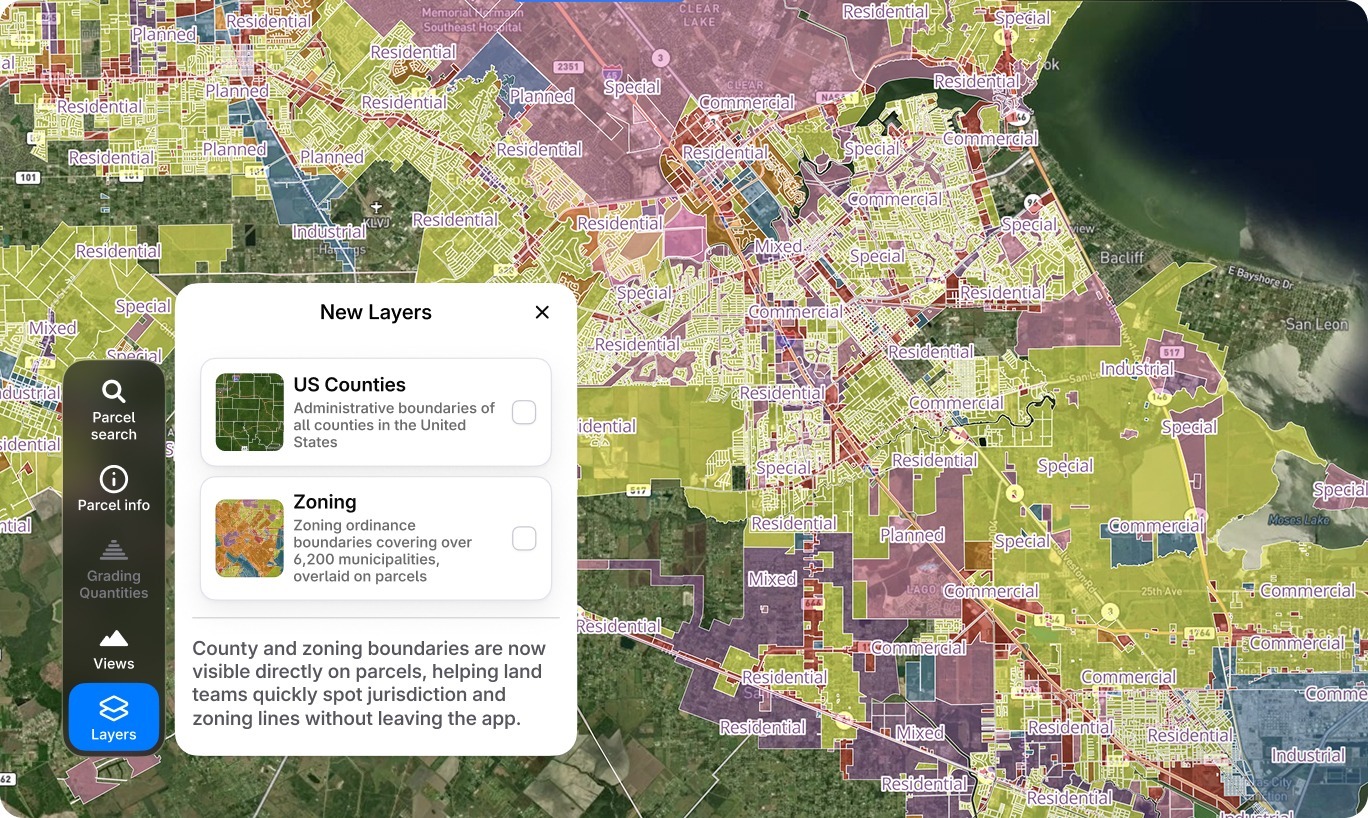
We've also added county boundaries with full US coverage, giving you jurisdictional context at a glance. Add in the new contour layer, and you have a much clearer picture of terrain and grading challenges.
The result: fewer blind spots, faster checks, and fewer “we’ll confirm that later” moments.
Track What Matters
Restricted areas are no longer just visual overlays. The tool now calculates metrics in real time—showing you exactly how much area is restricted versus buildable, and what percentage of your site is impacted. If a wetland buffer is eating into your yield more than you thought, you'll see it immediately. That visibility changes how you negotiate and how you decide whether a deal makes sense.
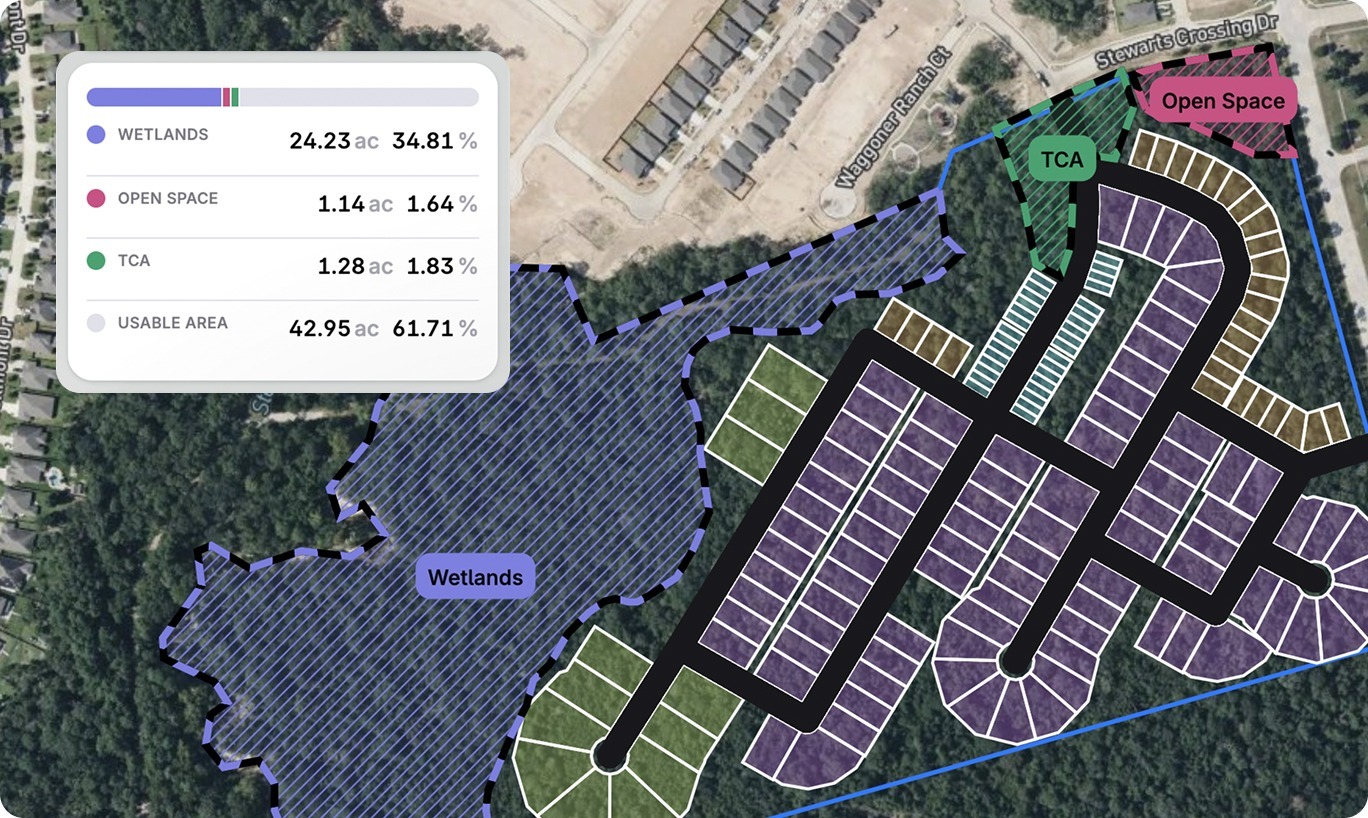
More Accurate Yield, Better Visual Aids
The lot yield counter has been upgraded to calculate units for townhomes separately and break down counts by each lot type you've configured. You're also getting lot area, road lengths, and tract area measurements calculated in real time, which are critical for preliminary density studies and proformas.
And when you’re ready to export to PDF, your report now includes all lot types, restricted area labels by category, scale bars, and complete acreage breakdowns. And these exports are presentation-ready, not something you need to rebuild in another tool.
Our vision for Layout Generator hasn’t changed: help land teams evaluate feasibility earlier, faster, and with more confidence.
What’s changed is how far upstream Layout Generator can now go, and how much more complete that first feasibility pass can be. What used to take weeks and significant upfront effort can now be done in minutes, by the teams responsible for the go/no-go decision.
If you were one of the land teams who followed Layout Generator at launch, it’s a great time to take another look. Learn more and schedule a demo.
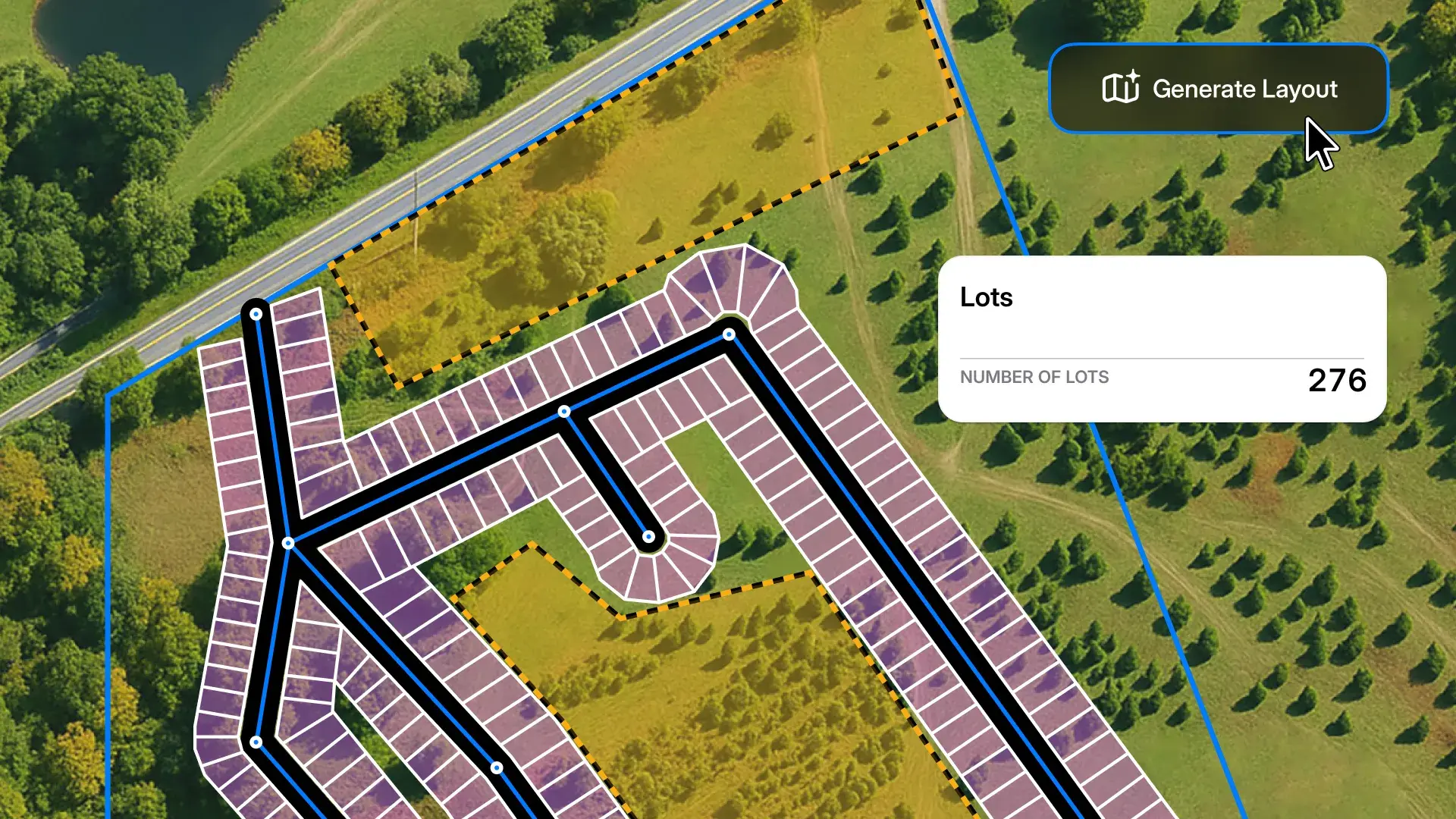
2 min read
When land acquisition moves fast, the ability to price a parcel accurately—before anyone else—is everything. We’re excited to introduce Layout...
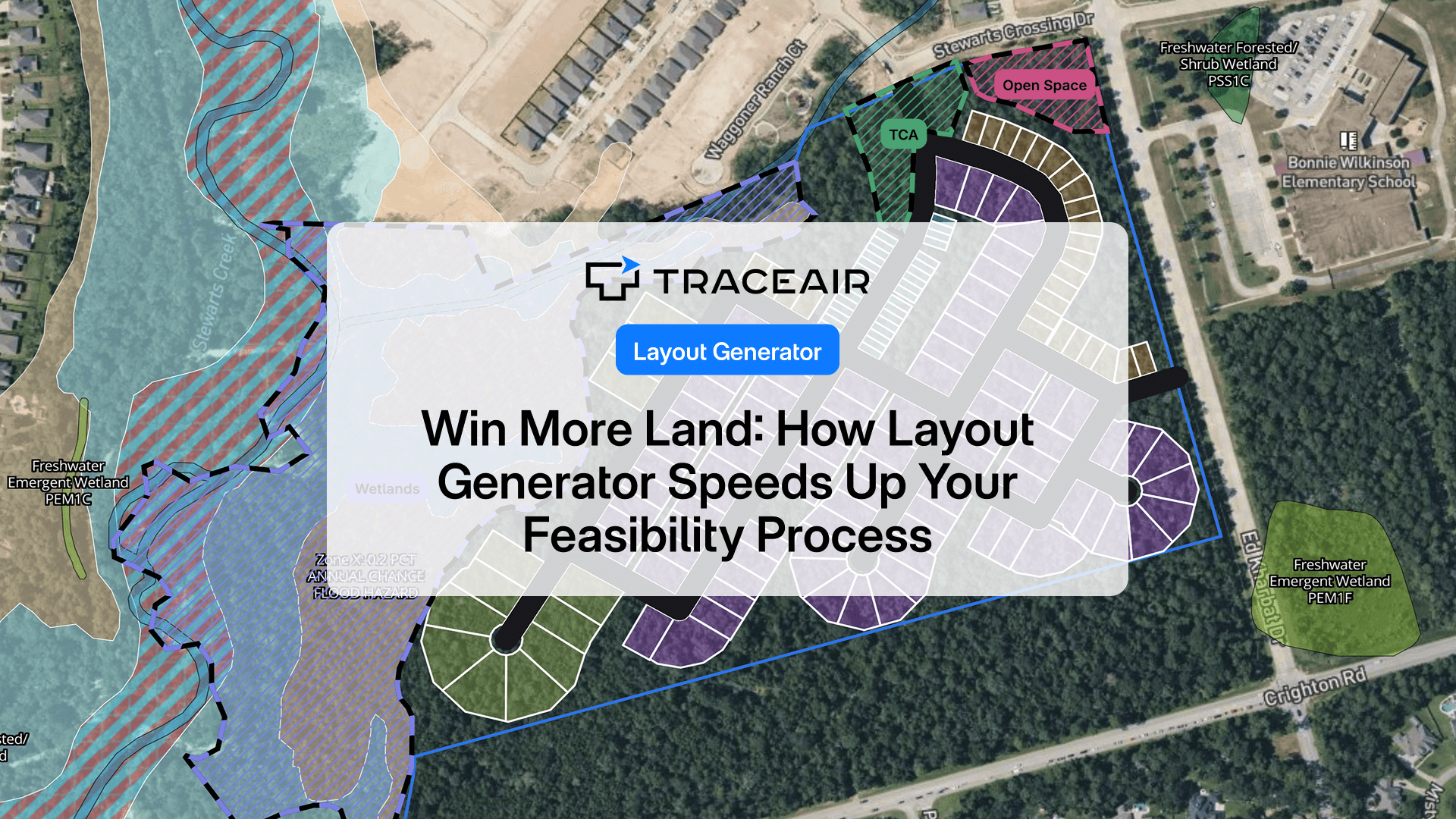
Land deals don’t wait. And now, with TraceAir’s Layout Generator, you don’t have to either.
2 min read
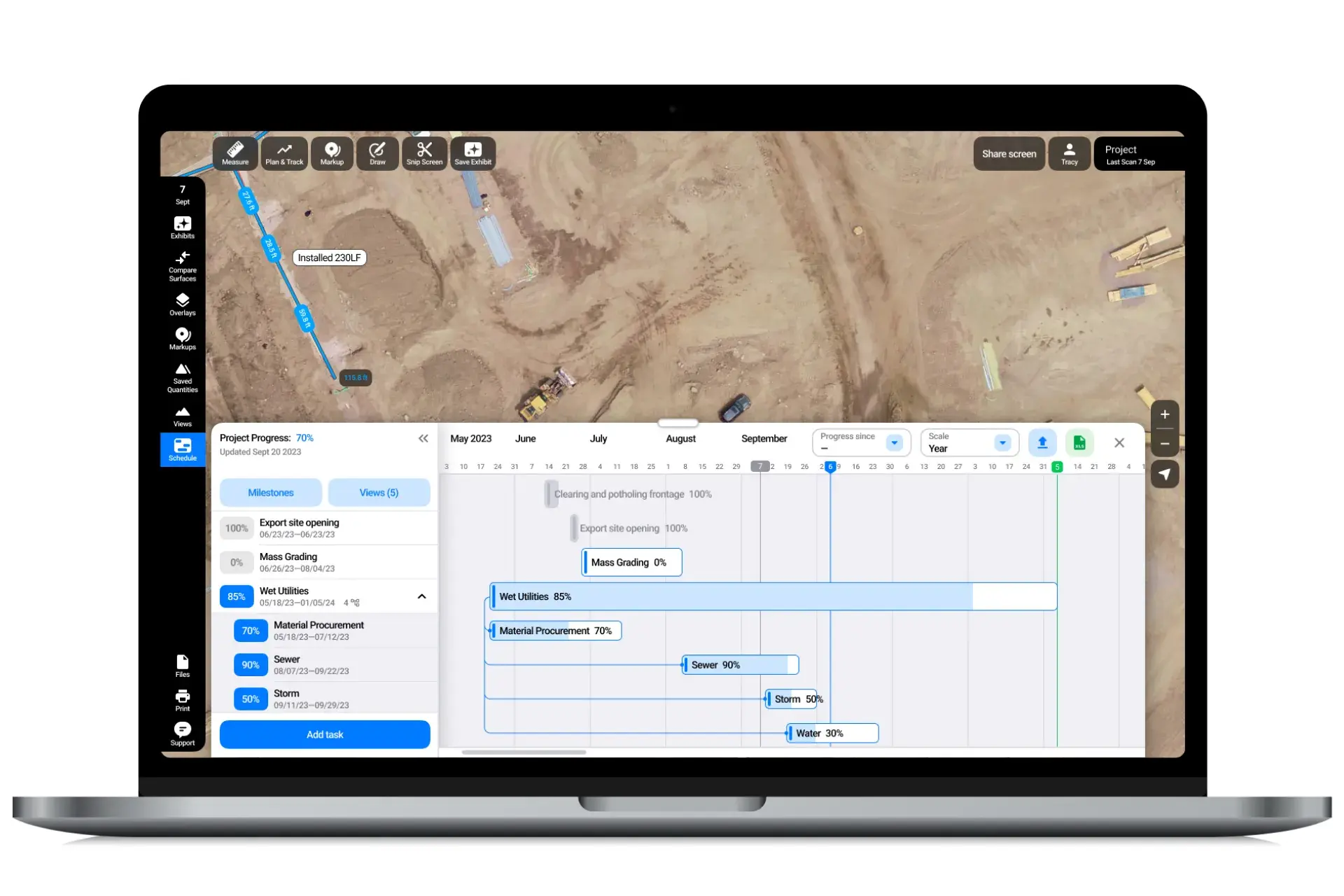
Land development projects are complex endeavors that require meticulous planning to be successful. Keeping track of various tasks, timelines,...